
I’ve been testing the Sony A7 V during a real ballet performance by the Ballet of Barcelona: high ISO, continuous autofocus, and zero second chances.
The question is simple: how far can you push the noise? And how does the autofocus really perform in an extreme situation?
Context: a real-world test, not a lab test
In this article, I want to share my experience photographing a ballet performance with the Sony A7 V in Terrassa, near Barcelona.
Photographing ballet is a pleasure… and at the same time, a huge challenge.
Some time ago I met Anna Ishii, principal ballerina, and we did a photoshoot together. A few weeks ago I contacted her again because I really wanted to photograph a real ballet performance. On January 18th, 2026, they were performing in Sabadell. Thanks to Chase and Ricardo, the ballet’s director and head of communications, I was able to attend the rehearsal, go behind the scenes, and photograph the entire performance.
The real challenges of photographing ballet in a theater
A theater is dark. The only light comes from the stage, and it’s not constant—it changes depending on the scene, the act, and the choreography.
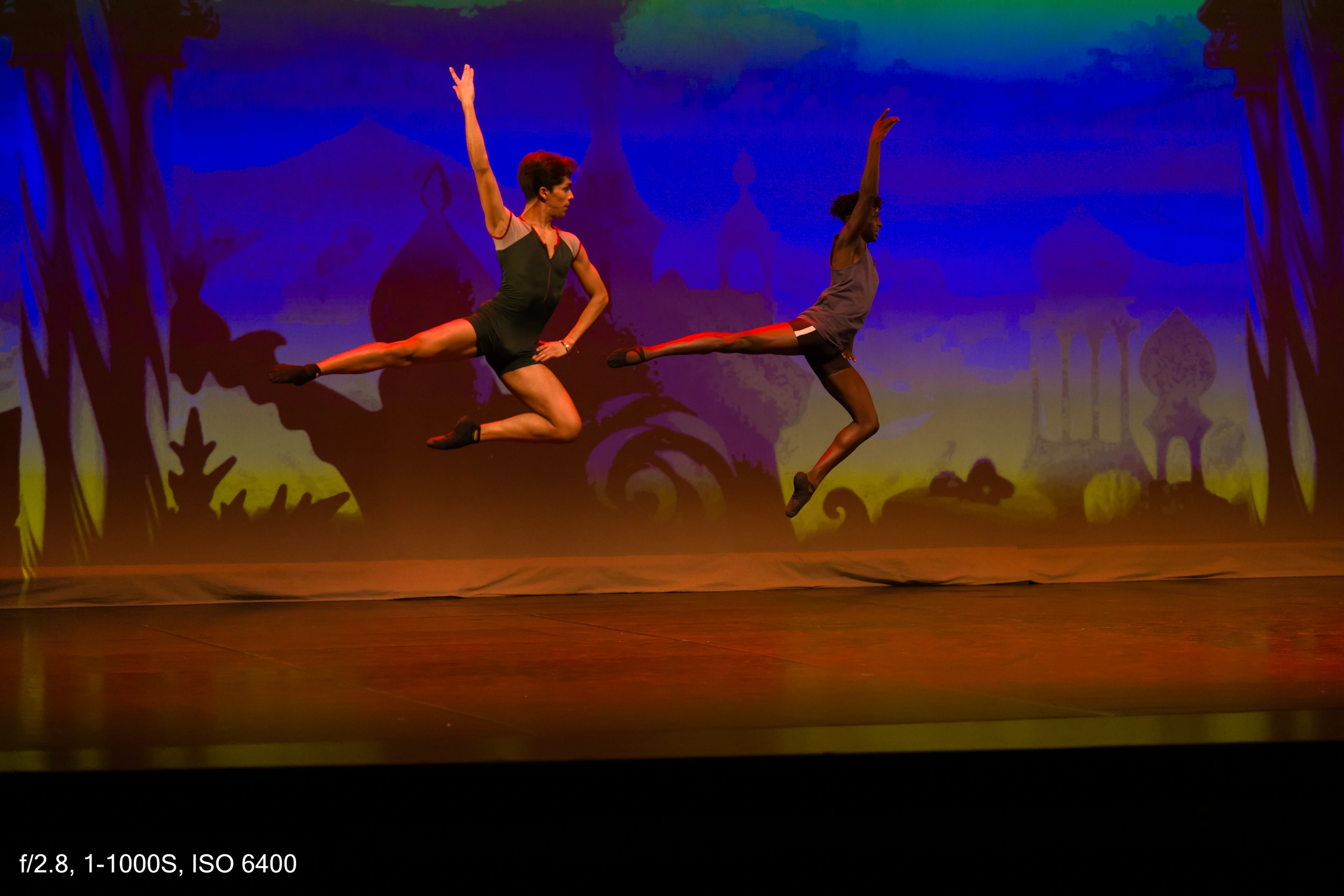
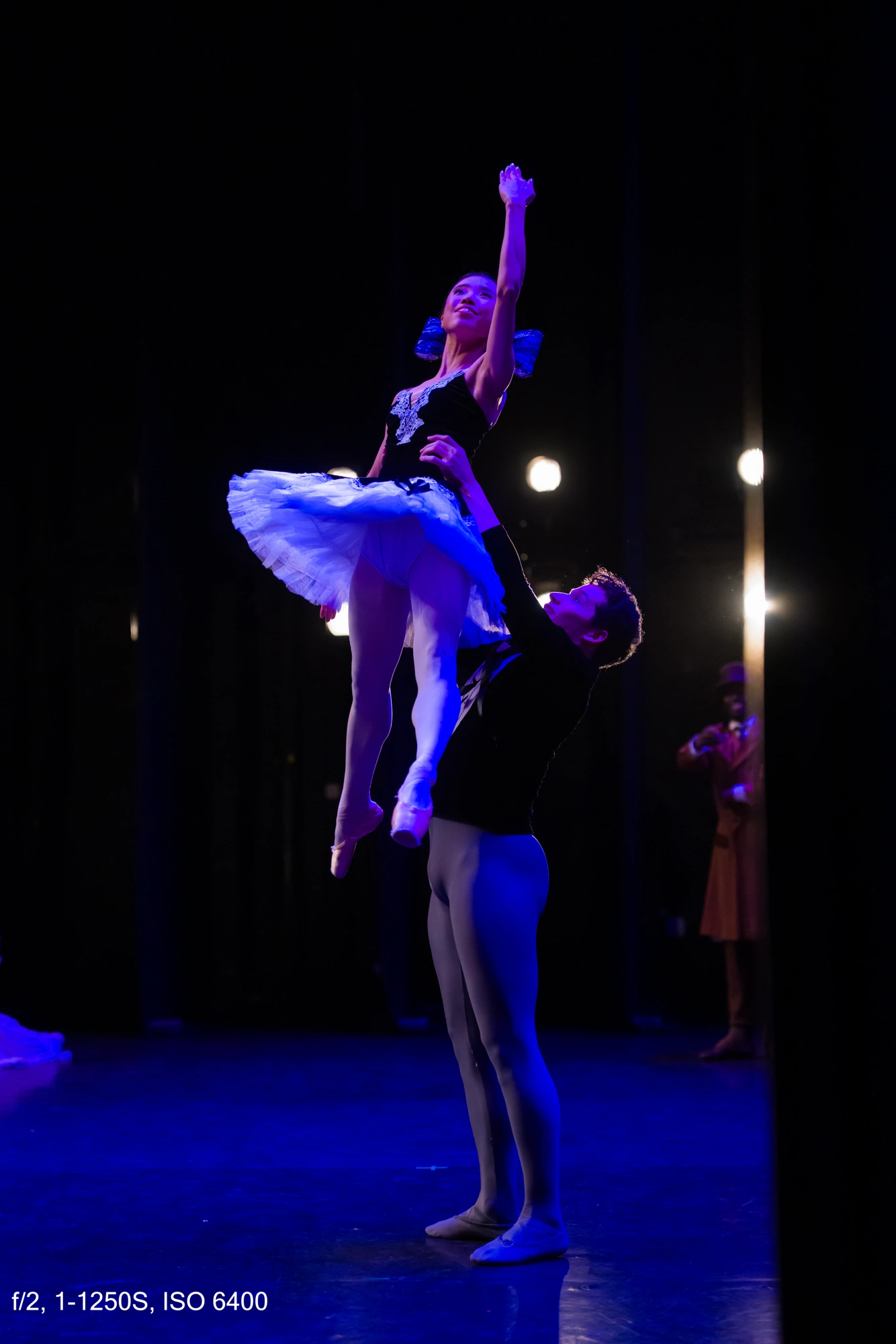
During a performance, there are very slow moments and others that are extremely fast. If you want to freeze a ballet jump, your shutter speed needs to be high, at least between 1/800 and 1/1000.
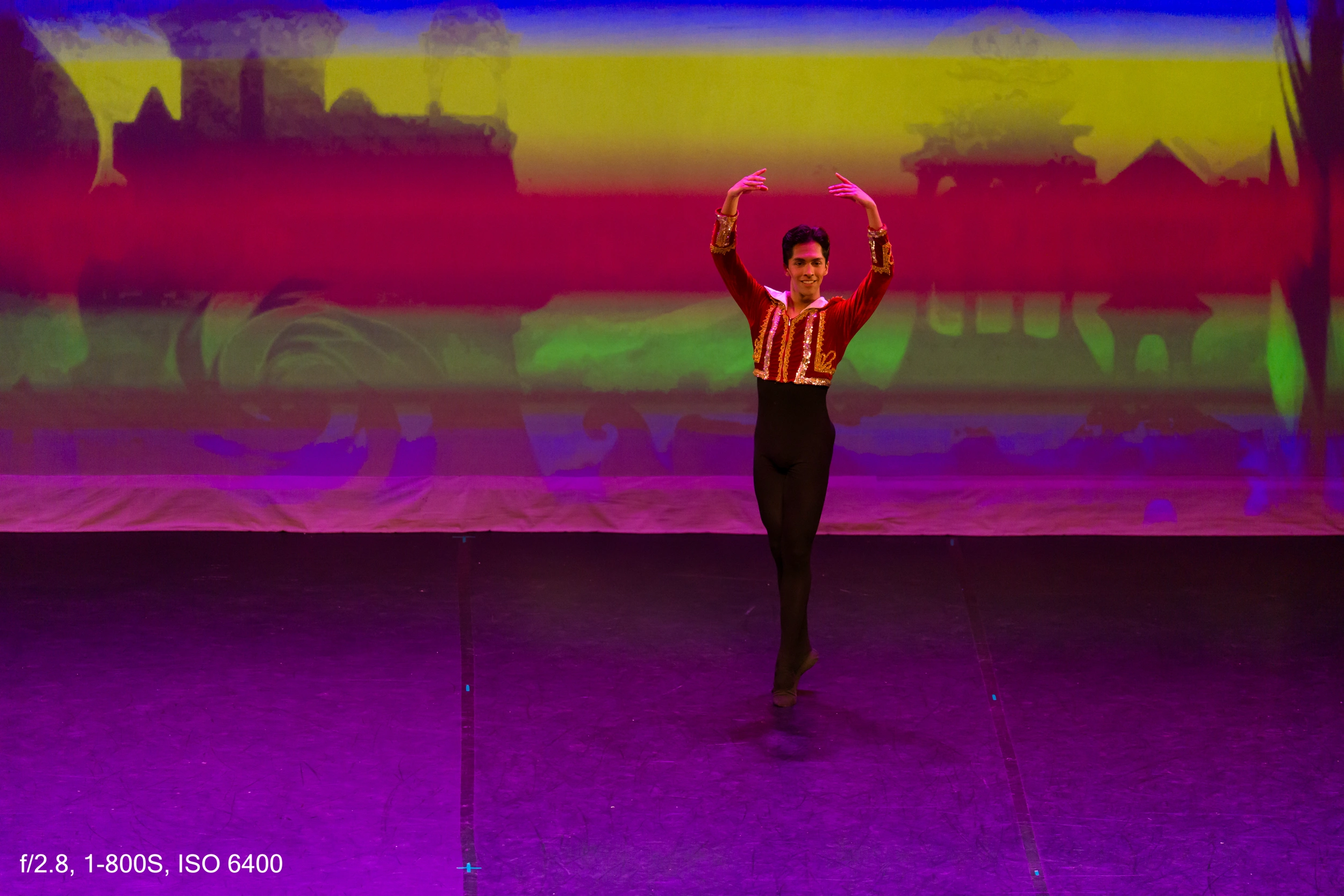
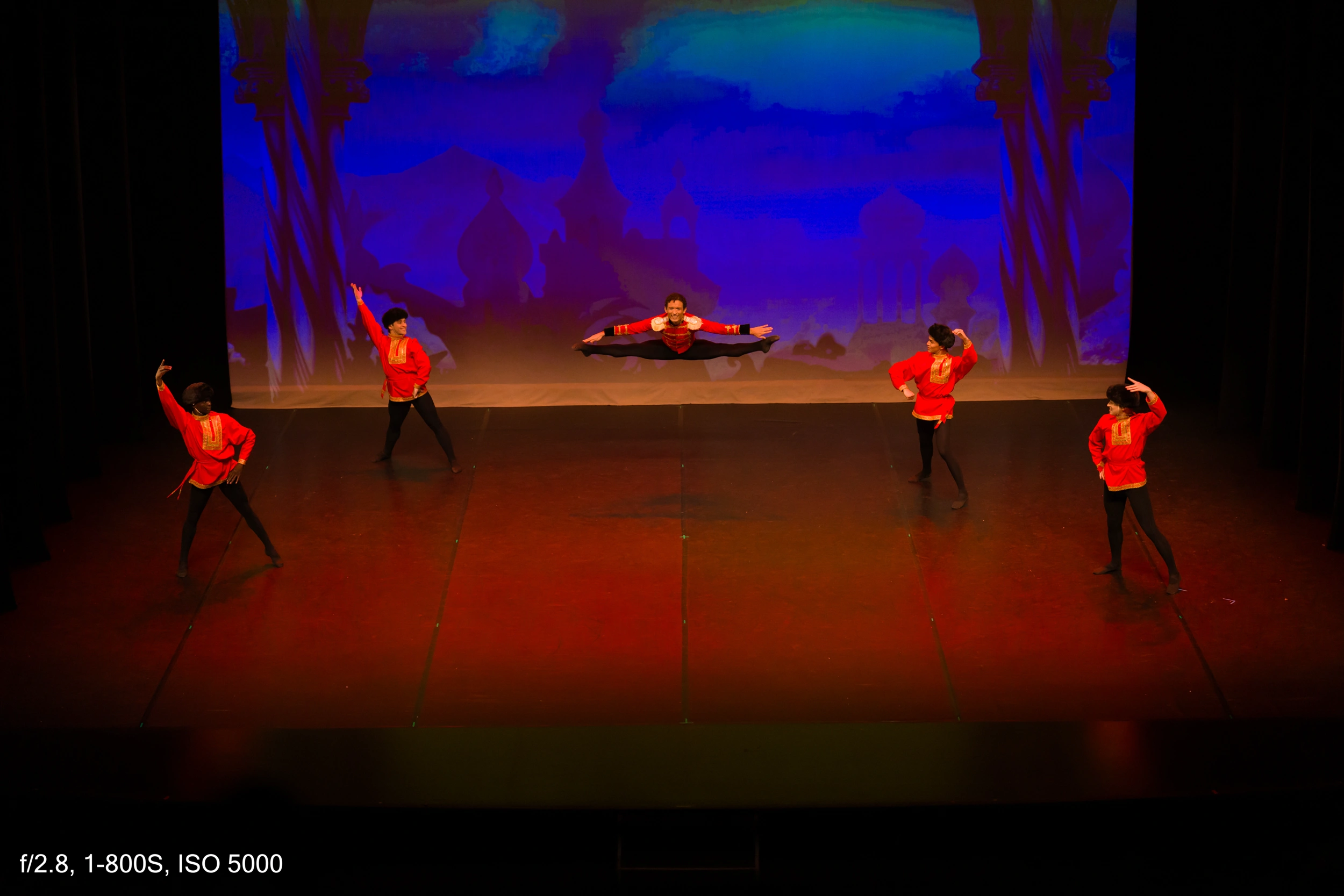
On top of that, there was another major issue: a screen behind the stage. And here one of photography’s biggest enemies comes into play—flicker.
Electronic shutter and flicker
Mechanical shutter and flicker
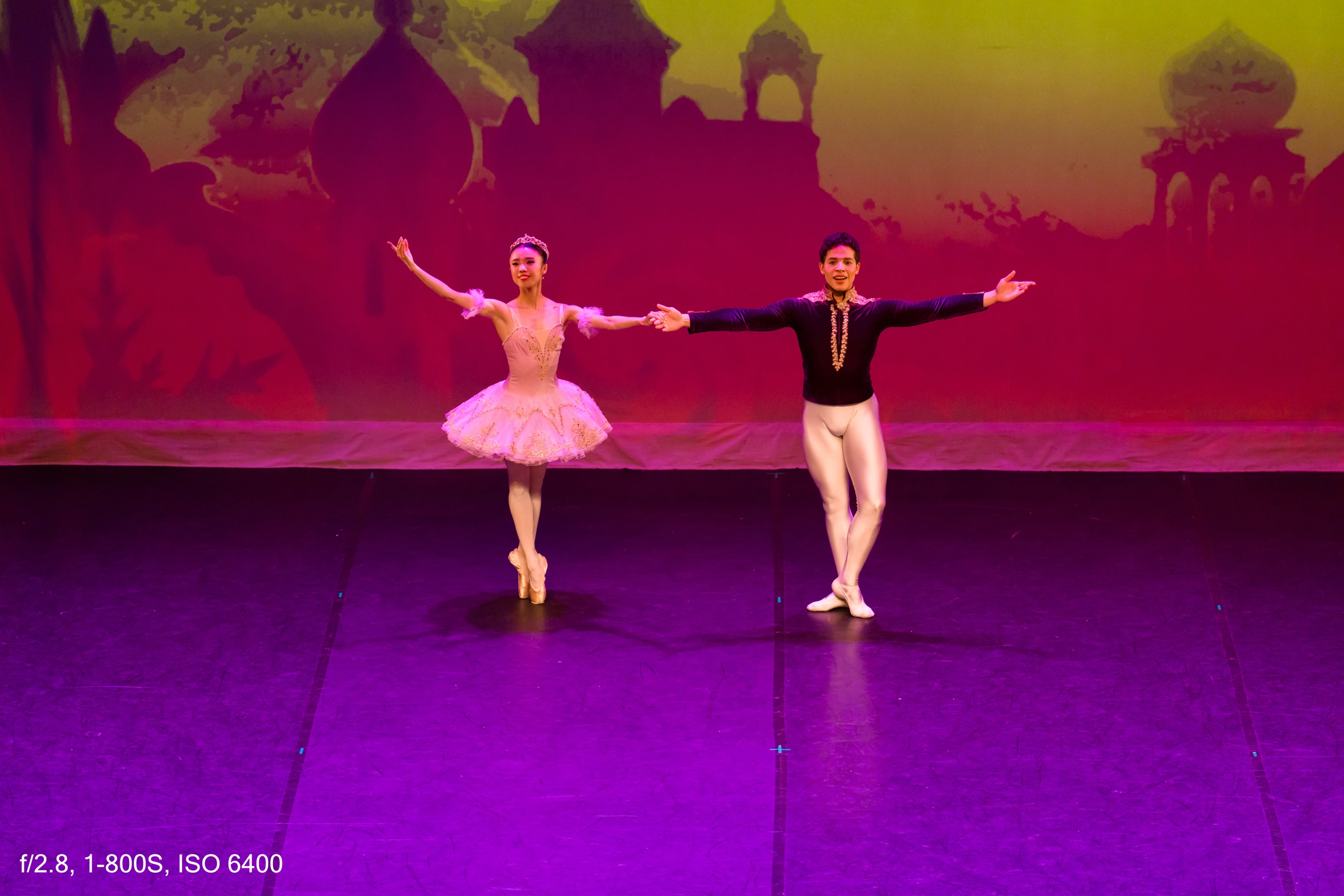
Screens and high shutter speeds don’t get along. You get those colored lines that you don’t see from the audience, but the camera captures perfectly.
In Europe we work at 50 Hz, so to minimize flicker you should shoot at 1/50 or 1/100 using the mechanical shutter. The problem is obvious: at those speeds, you simply can’t freeze a ballet jump. To stop such fast movement, you need much higher shutter speeds, and that’s when flicker inevitably appears.
Modern cameras have anti-flicker systems, but when you’re shooting at 1/800 or 1/1000, there are no miracles. The approach was clear: high shutter speed, wide aperture, and raise ISO as needed. And use the mechanical shutter, which behaves slightly better than the electronic one regarding flicker. This was exactly where I wanted to test the Sony A7 V.
You might ask: if it’s so dark and you want to freeze motion, why not use flash? The answer is simple—flash is strictly forbidden in musical performances and shows.
Gear used and first decisions
For this session I brought three lenses:
-
Sony 70–200 mm f2.8 GM II
-
Sony 28–70 mm f2
-
Viltrox 50 mm f2
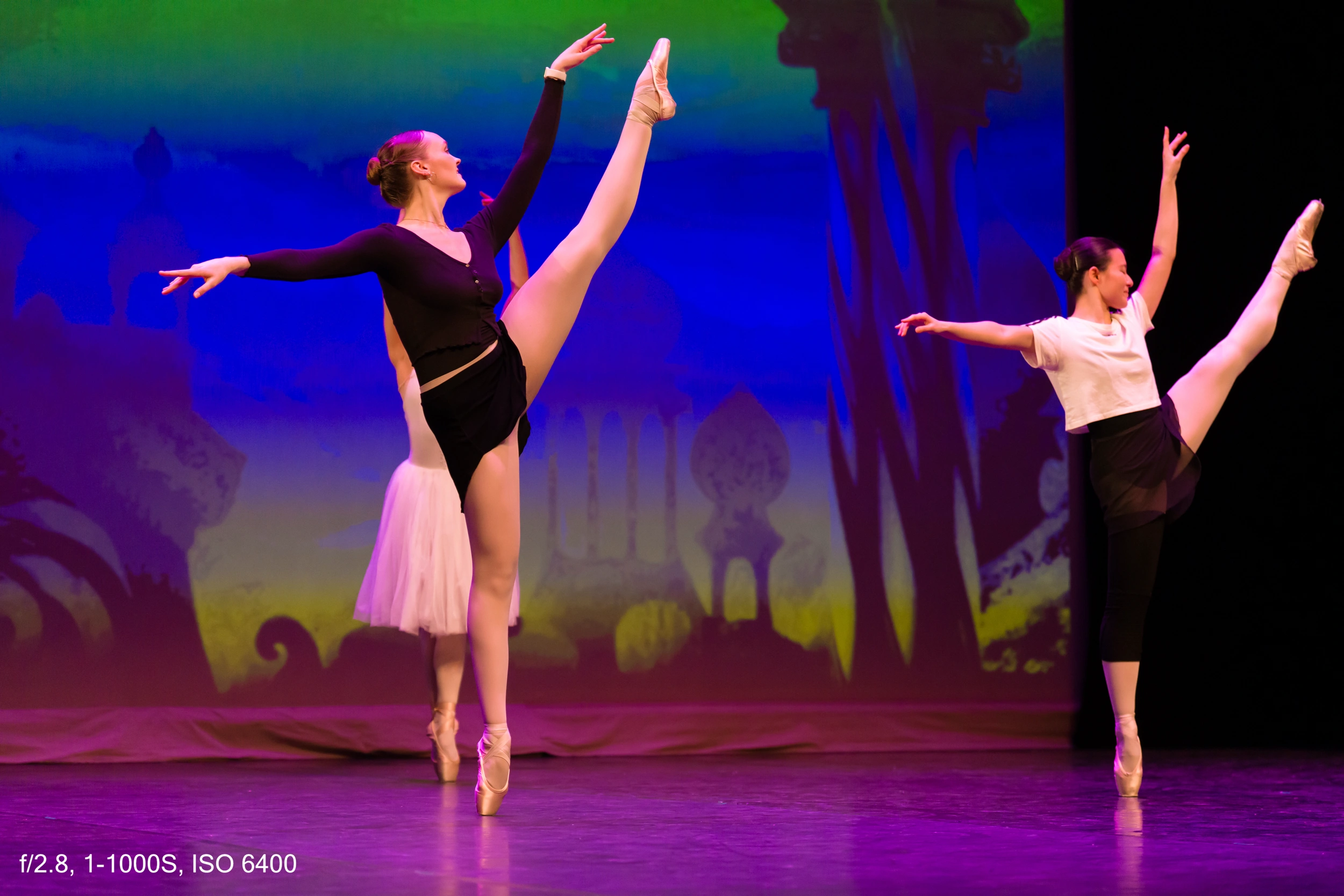
During the rehearsal, I started shooting from the audience seats. Very quickly, two things became clear: the screen was going to be a serious problem, and if I wanted to minimize flicker, I had to use the mechanical shutter. In that mode, the Sony A7 V is limited to 10 frames per second.
Let’s be honest: 10 fps is fine, but with the electronic shutter you get 30 fps, and that can make a real difference when you’re trying to capture the exact peak of a jump. Still, while shooting in front of the screen, I stuck with the mechanical shutter even though flicker was still present.
Rehearsal and backstage


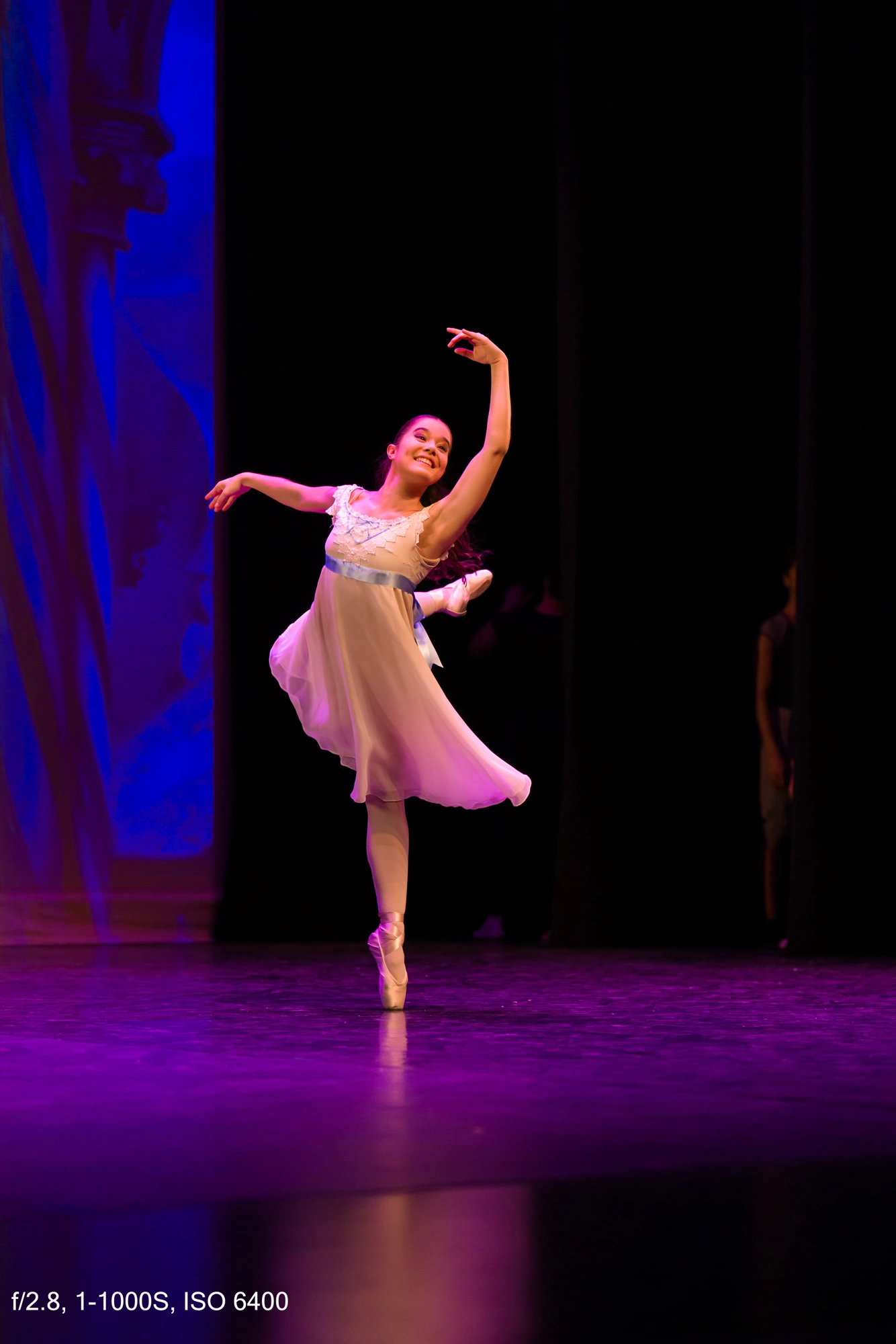
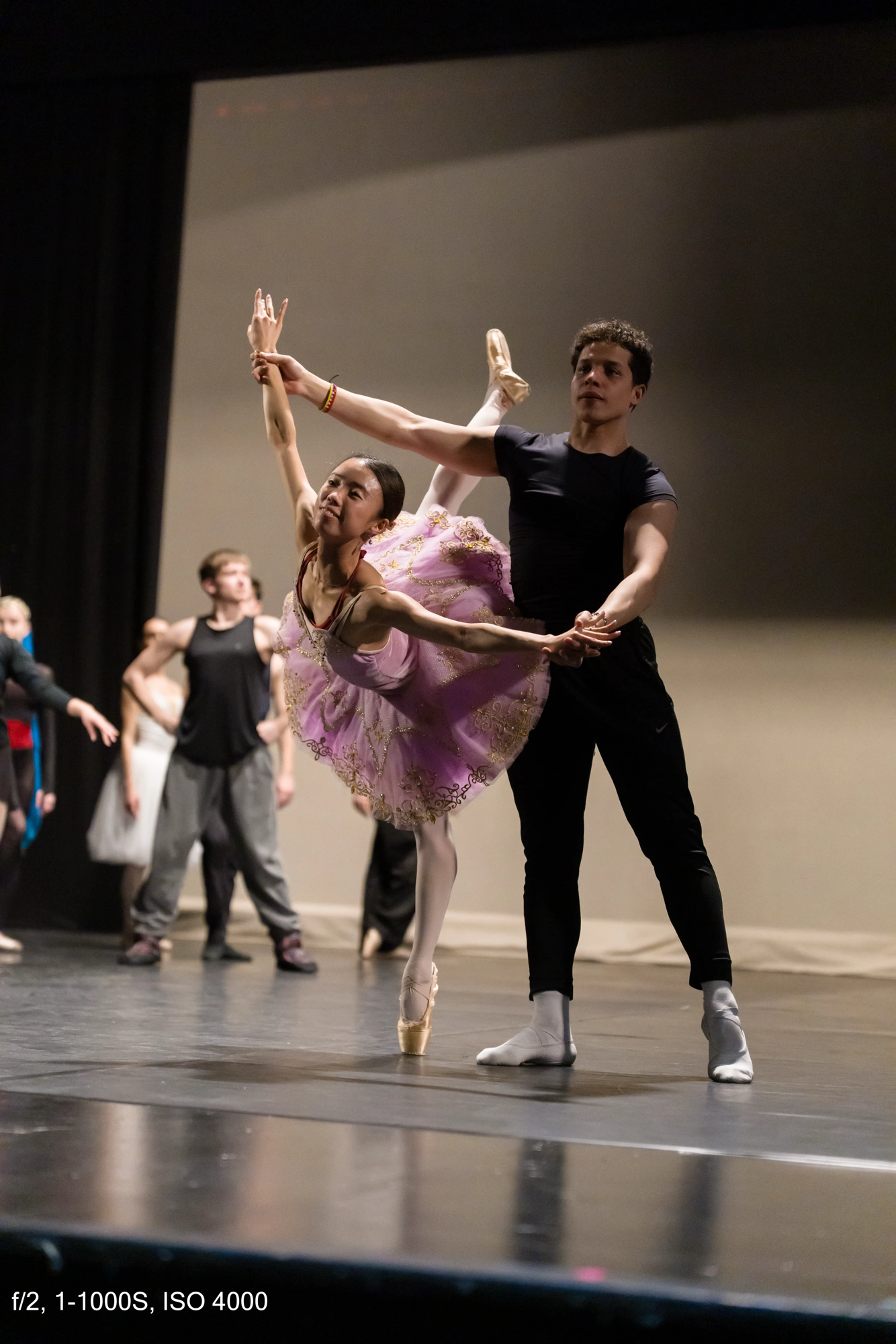
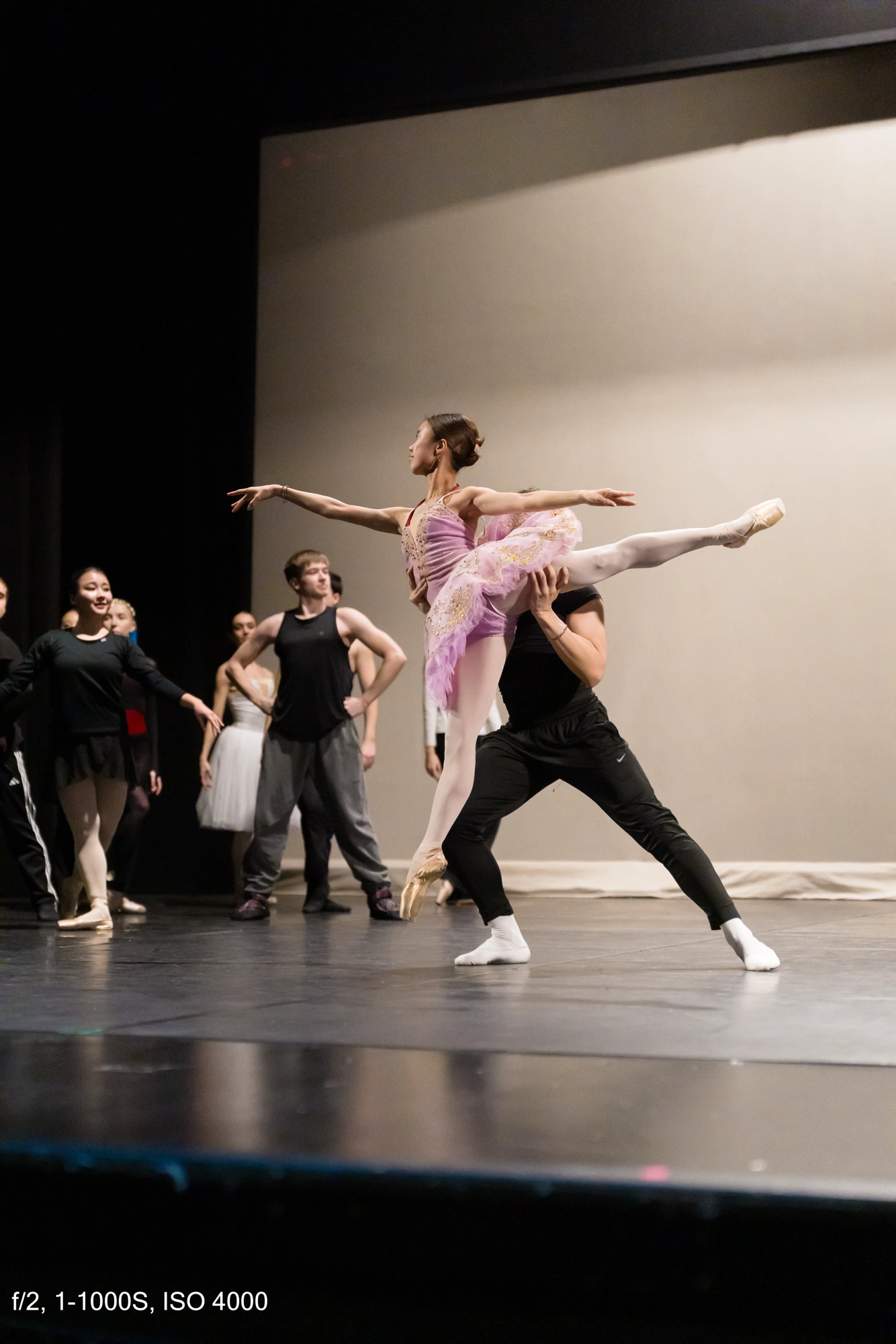
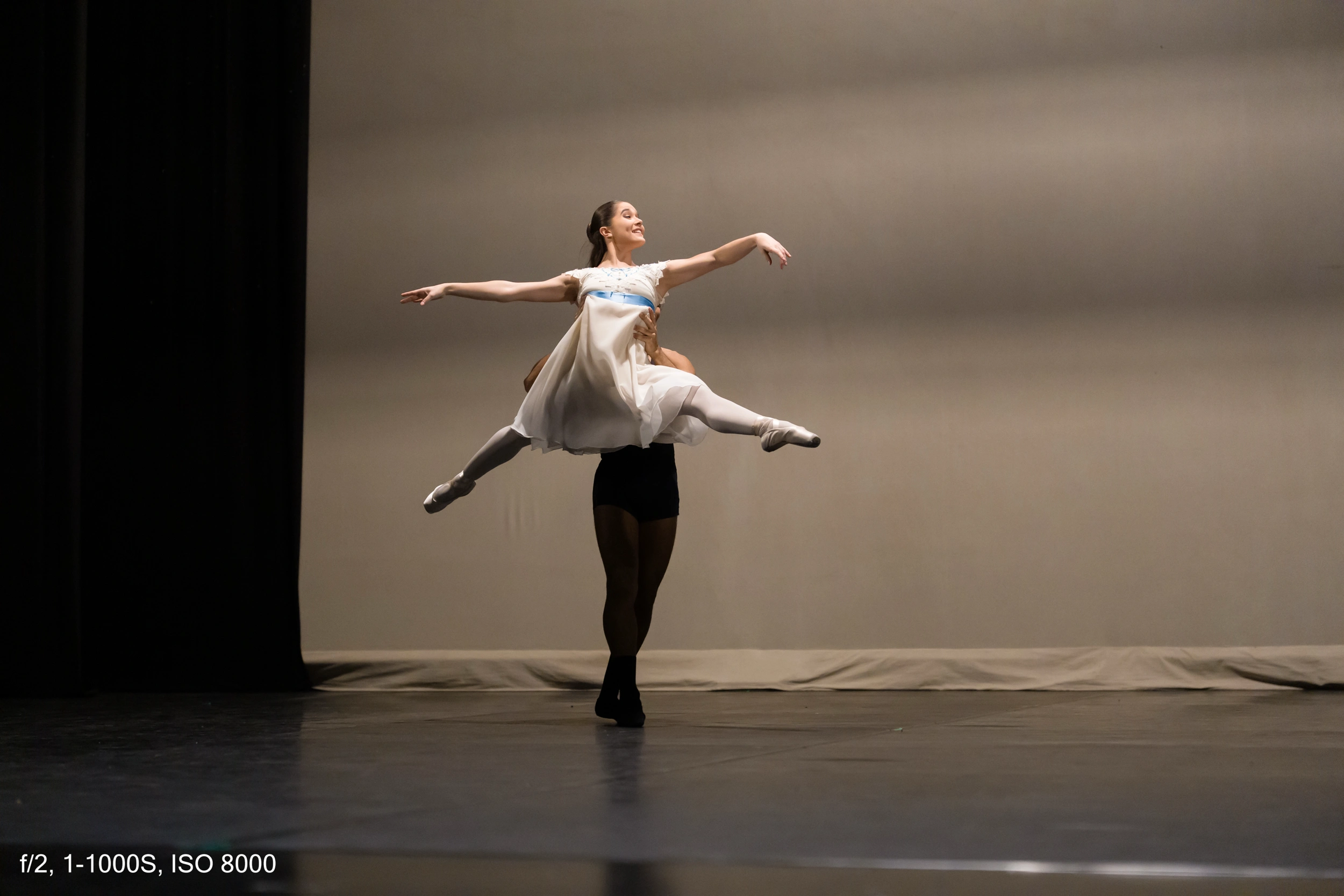
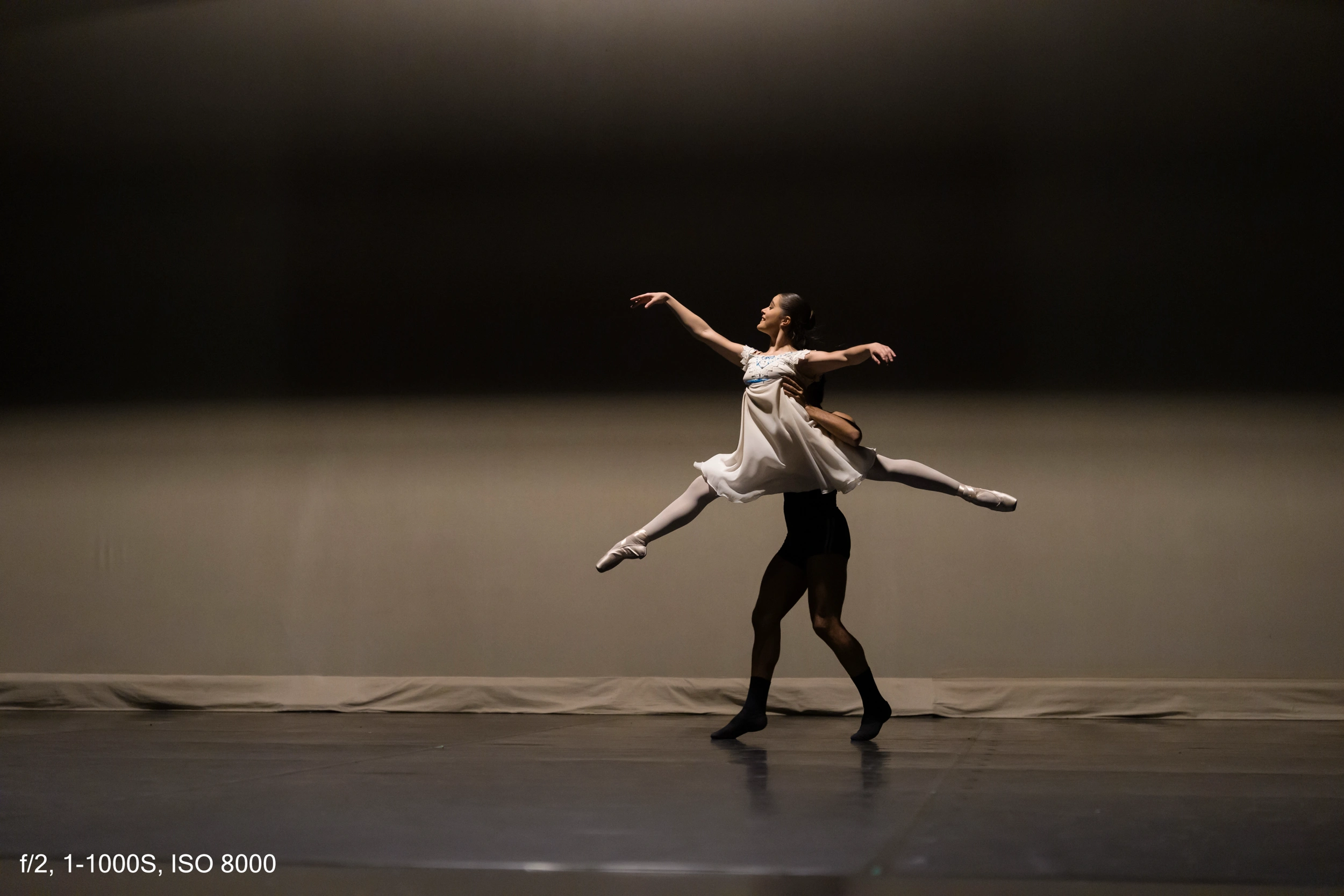
Behind the scenes and changing position
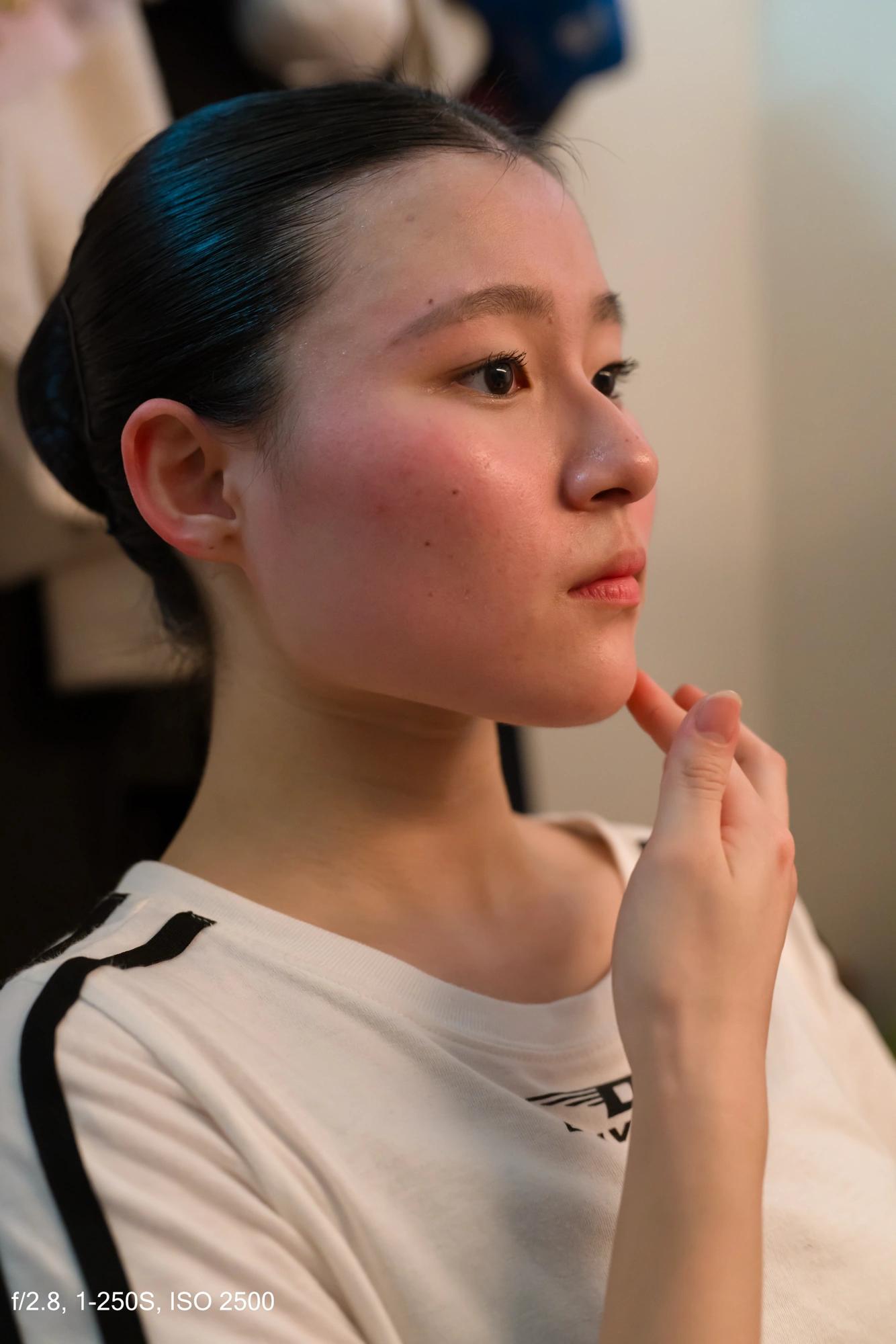
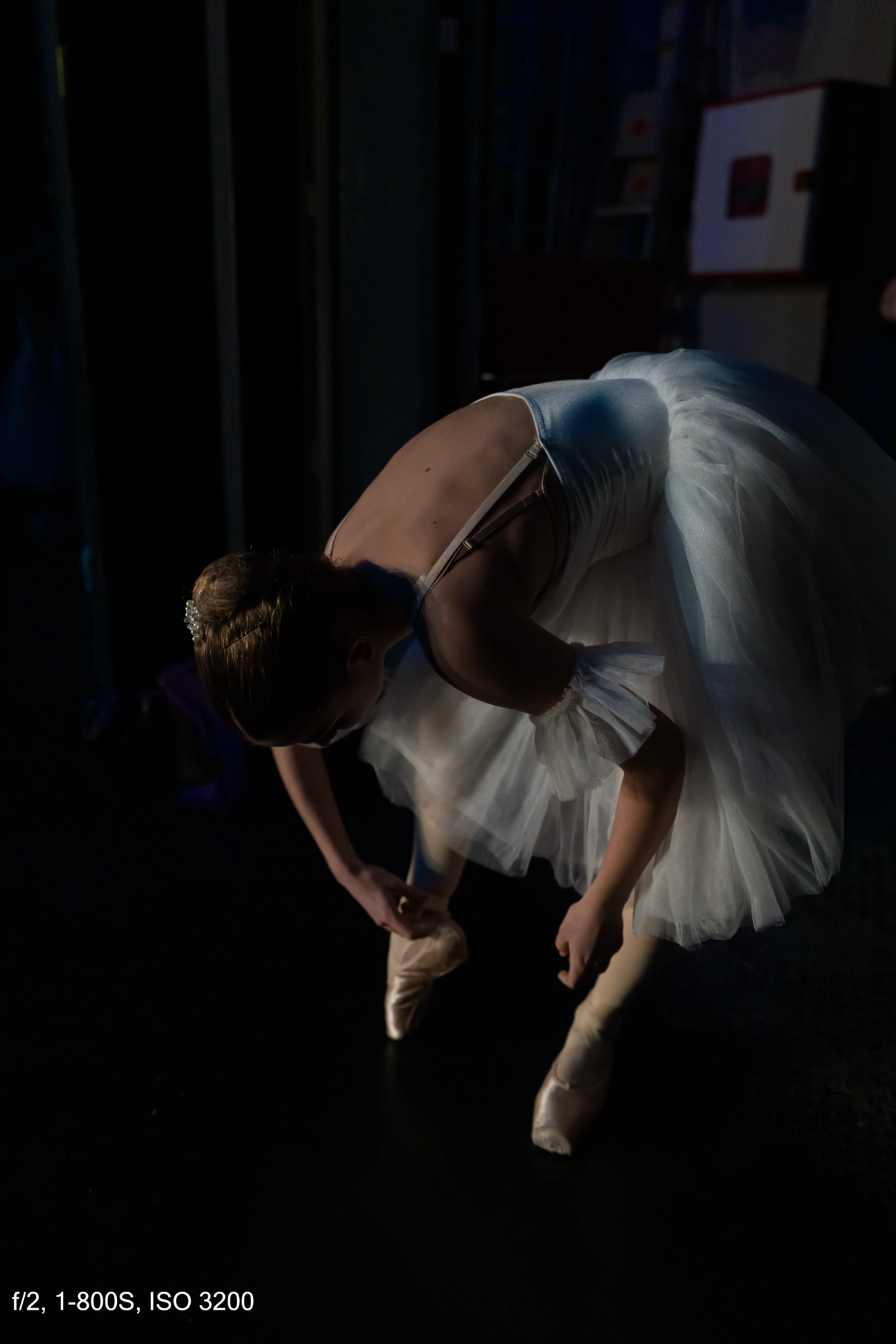
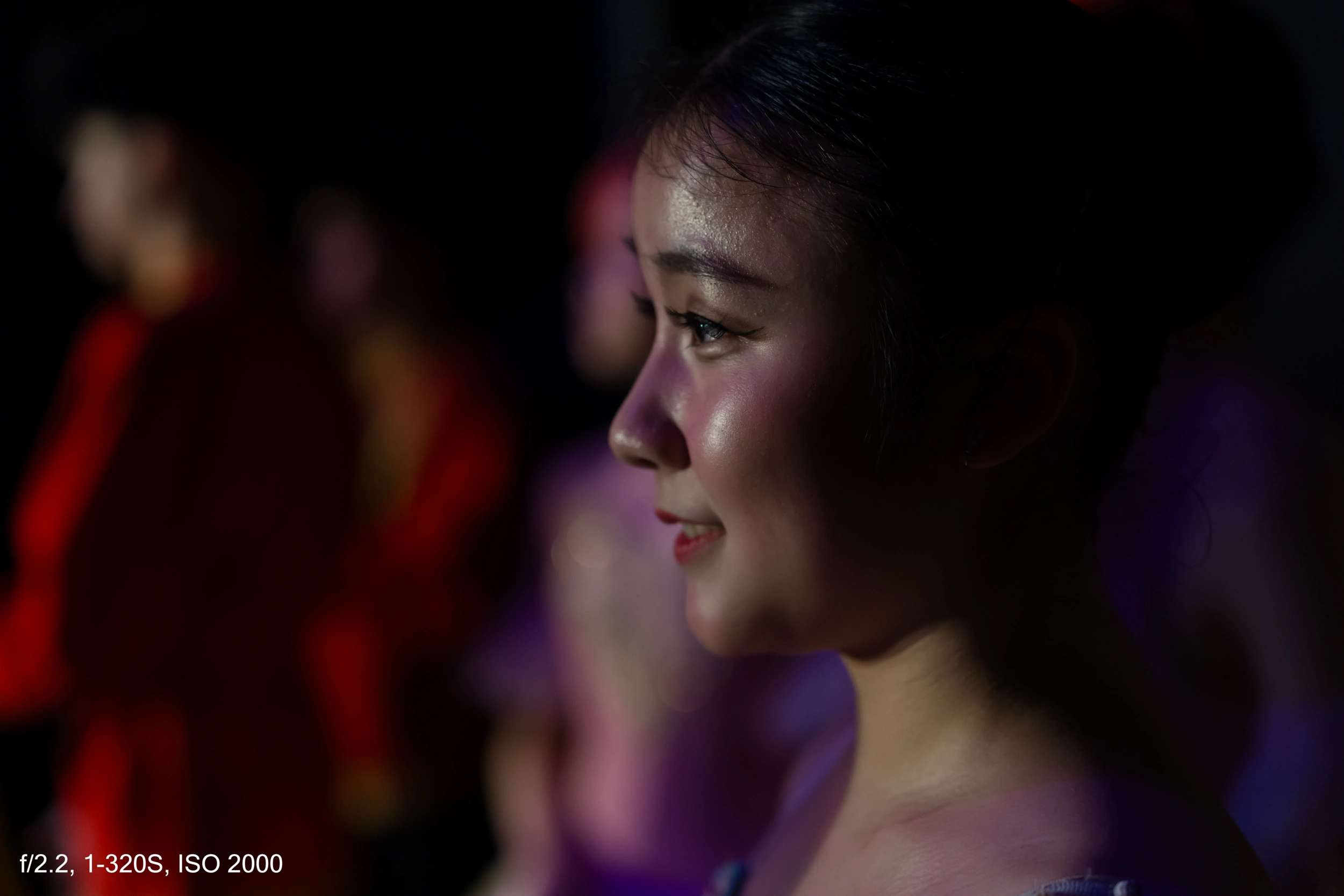
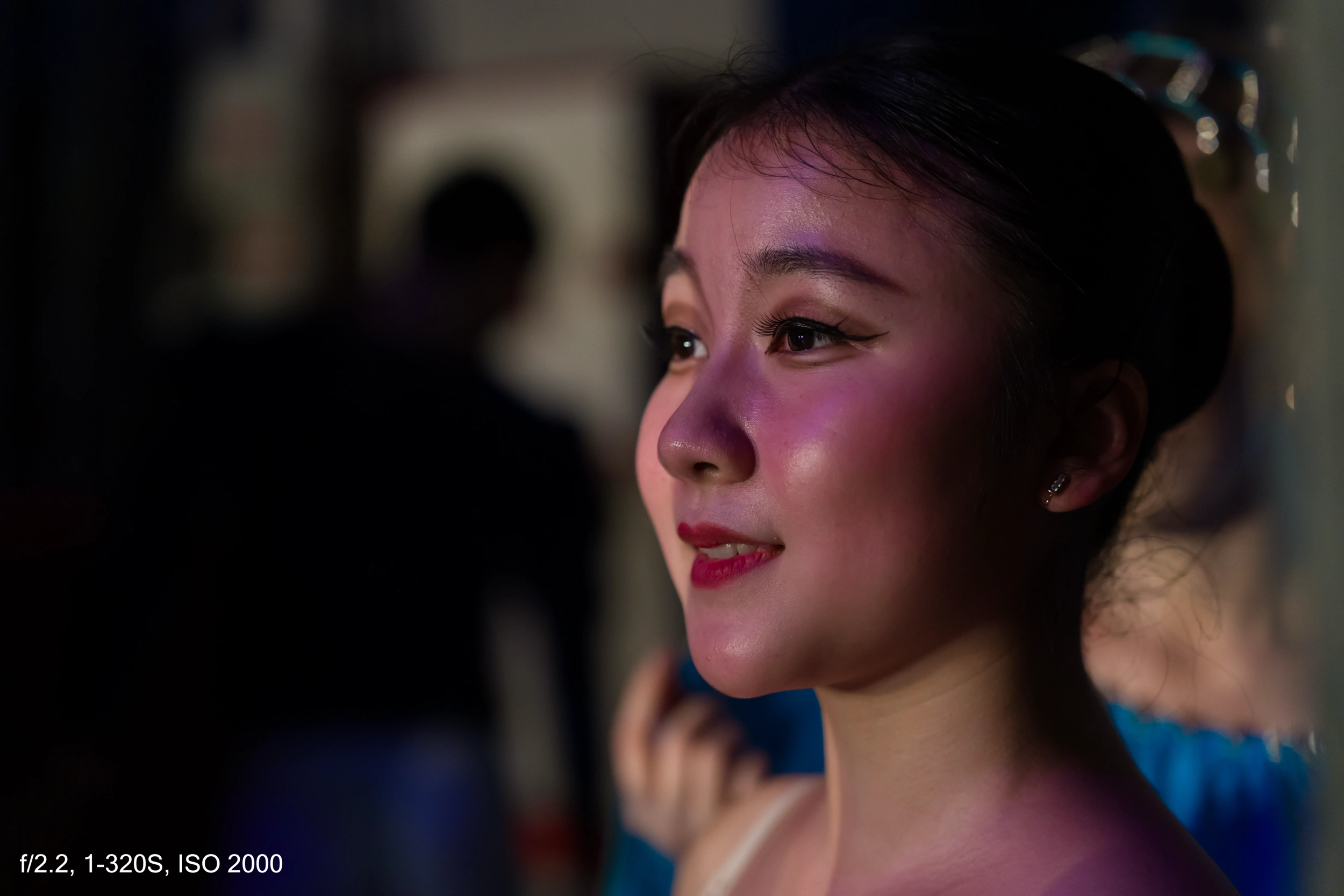
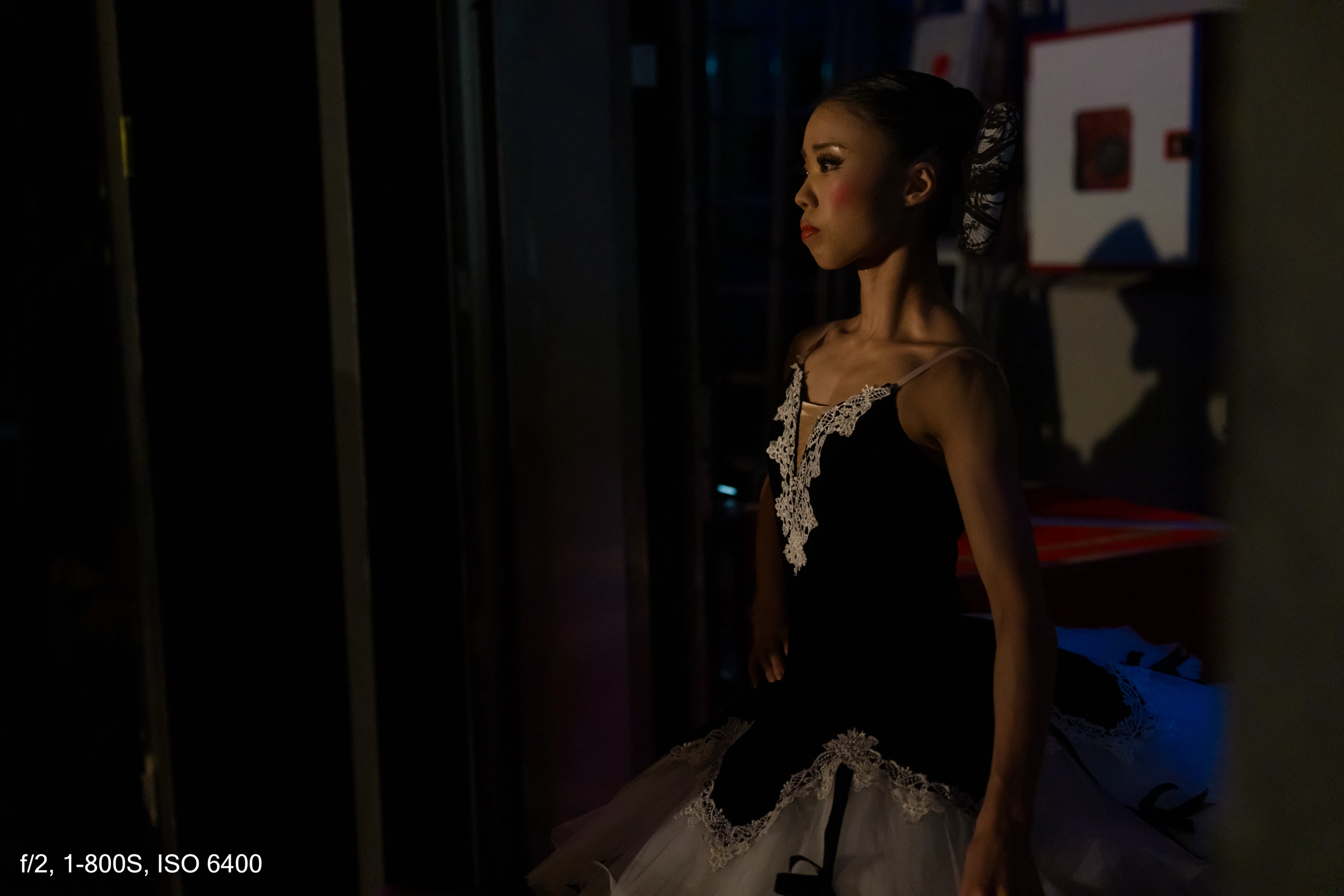
After the rehearsal, I switched to the Viltrox 50 mm f2—a very cheap lens, extremely cheap, actually—but with excellent performance. I went backstage to photograph the dancers while they were doing their makeup and getting ready. I love shooting this kind of moment.
Here you can lower the shutter speed quite a bit. I usually shoot these scenes around 1/250, but if the subject is relatively still, you can go even lower without any issue and without pushing ISO too much.
At 6 p.m. the performance started, and I positioned myself on the side of the stage where the dancers were entering and exiting.
Advantage: I almost never had the problematic screen behind me.
Disadvantage: it’s not the same point of view as the audience. The best “classic” shots would obviously have been taken from the audience side.
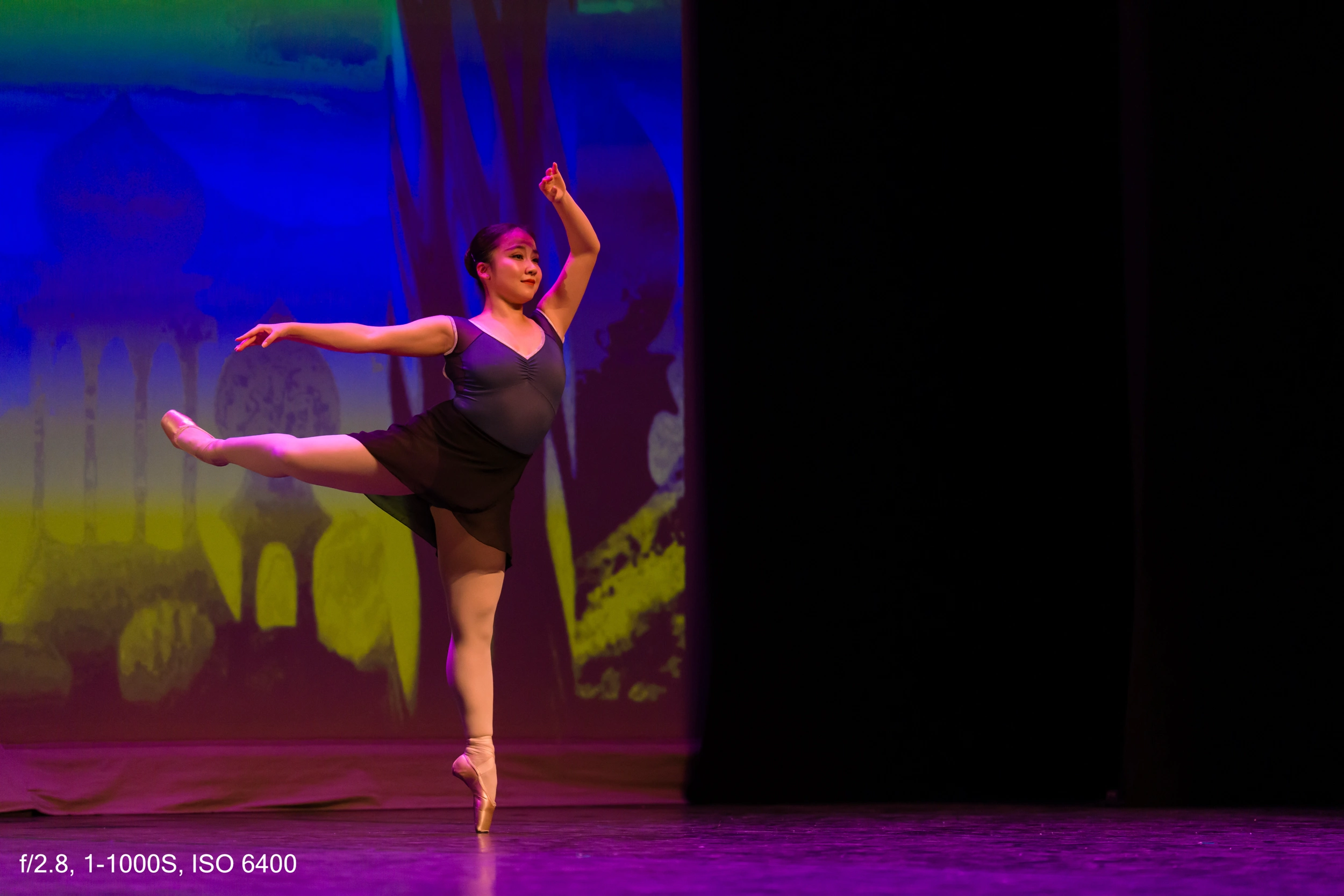
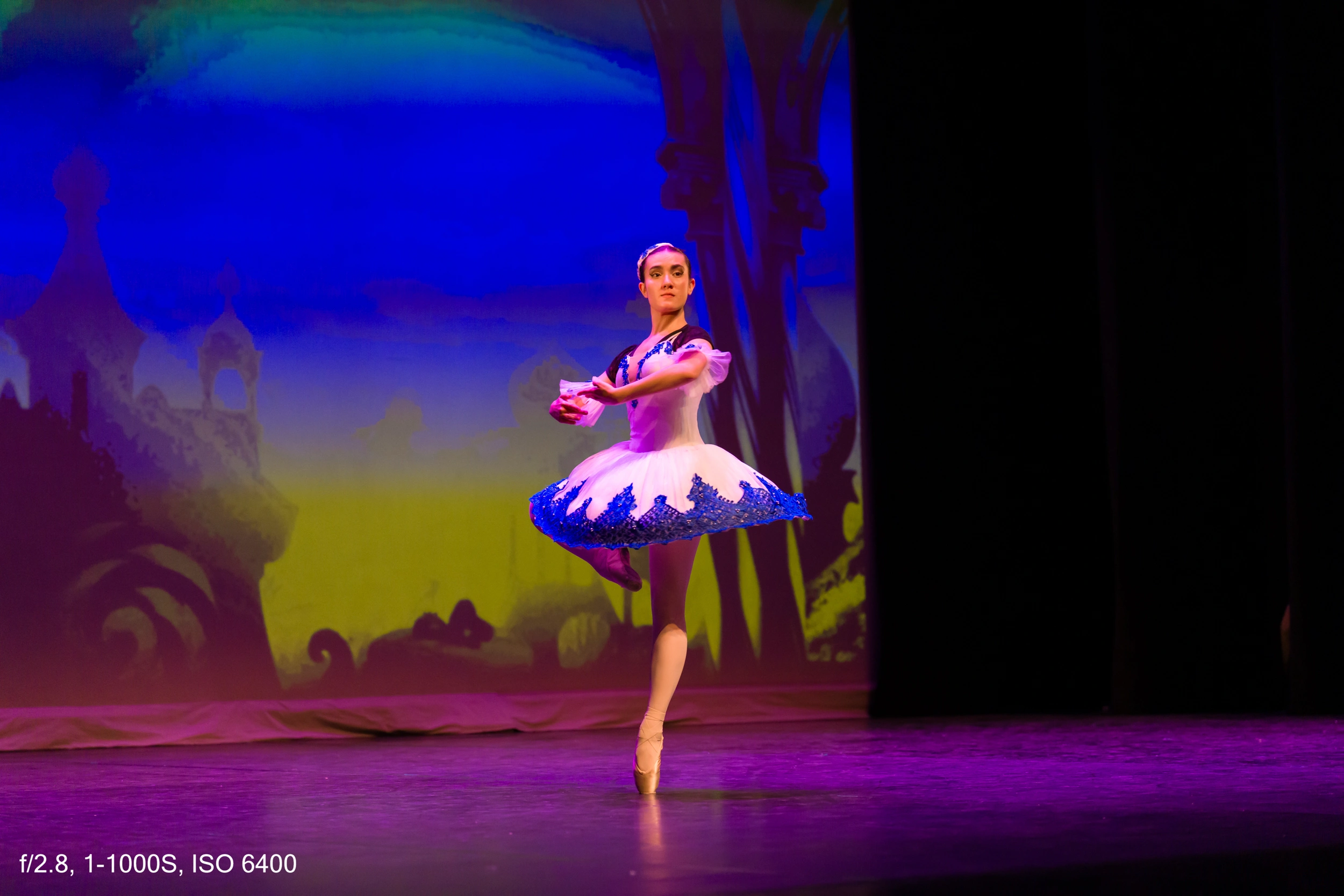
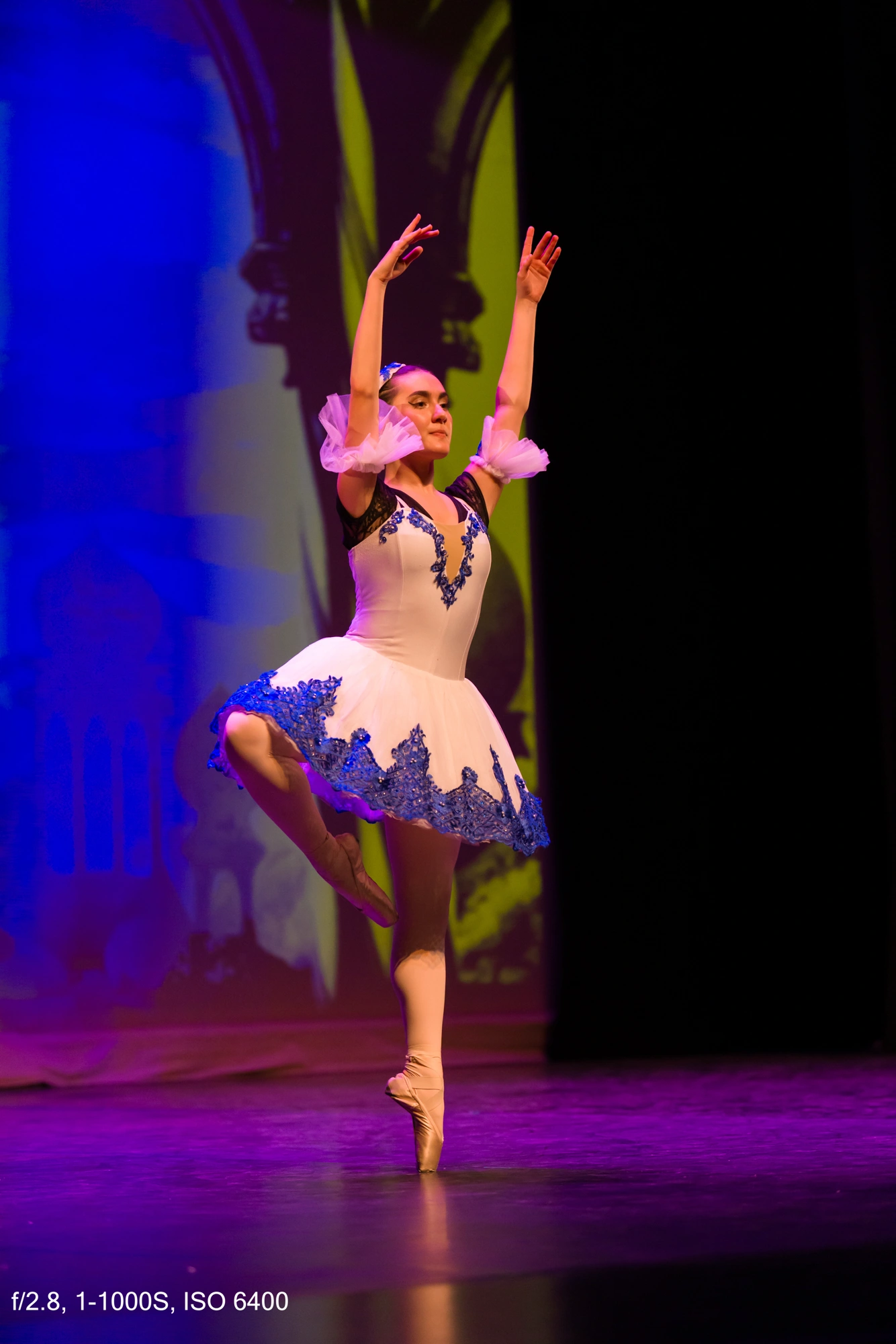
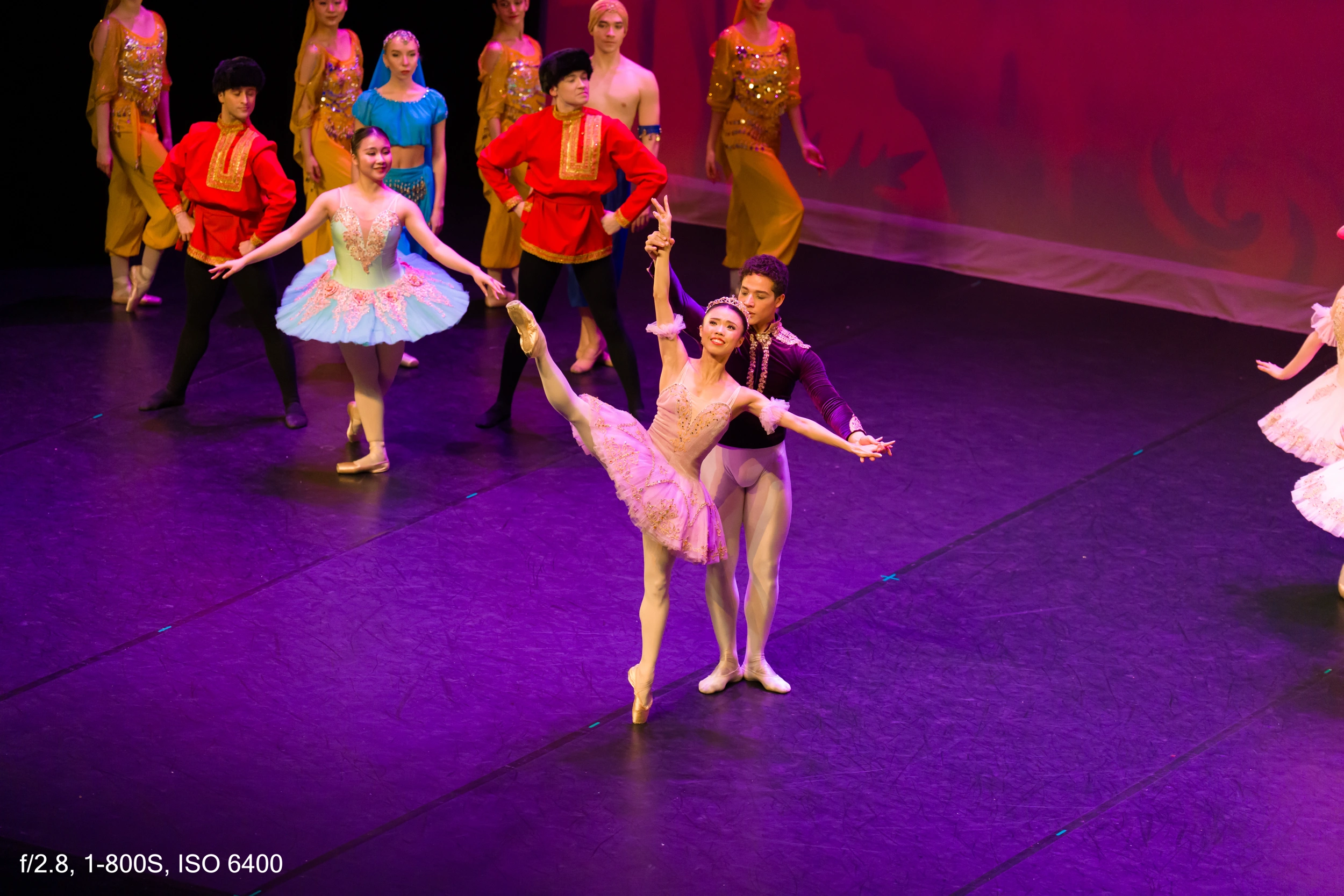
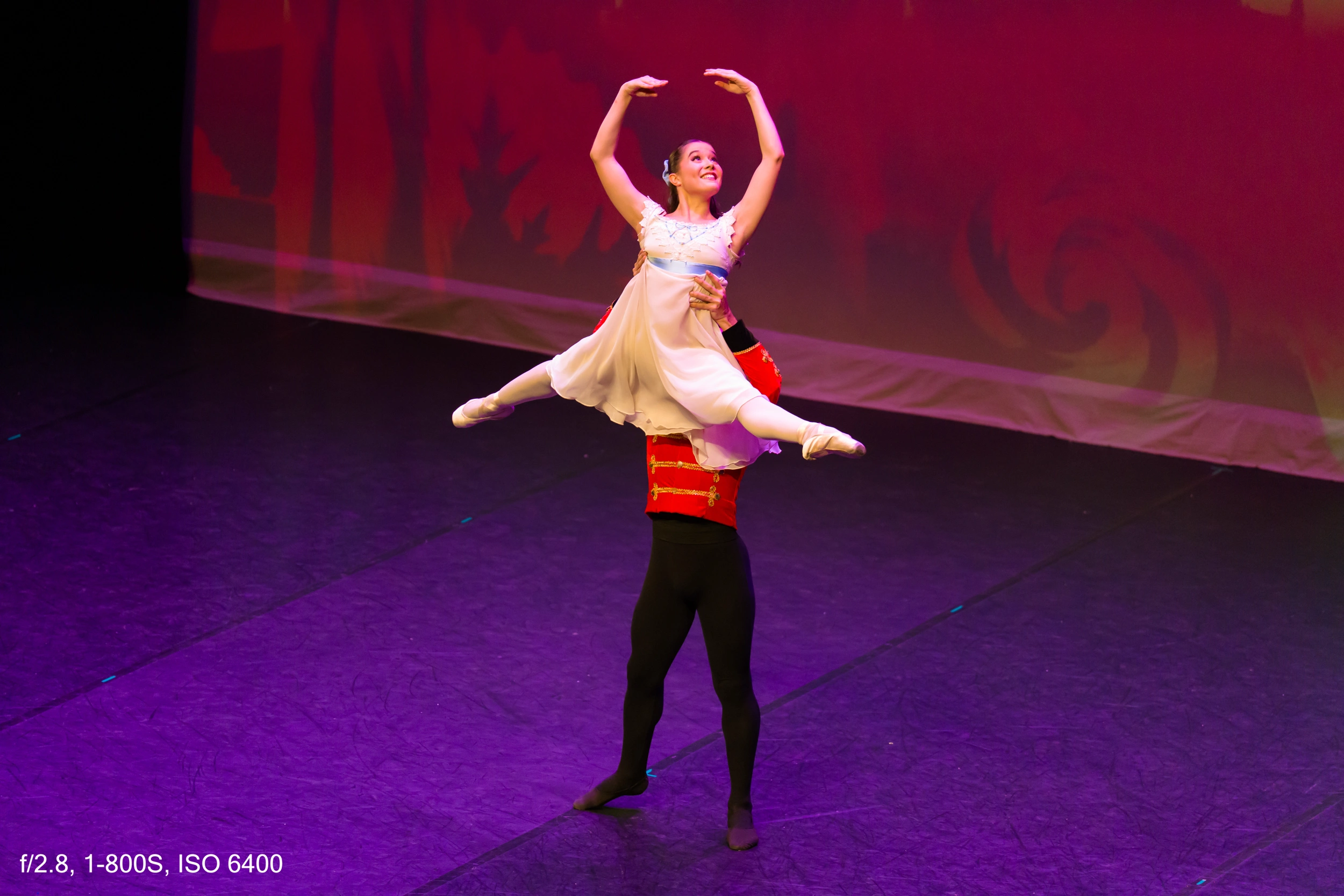
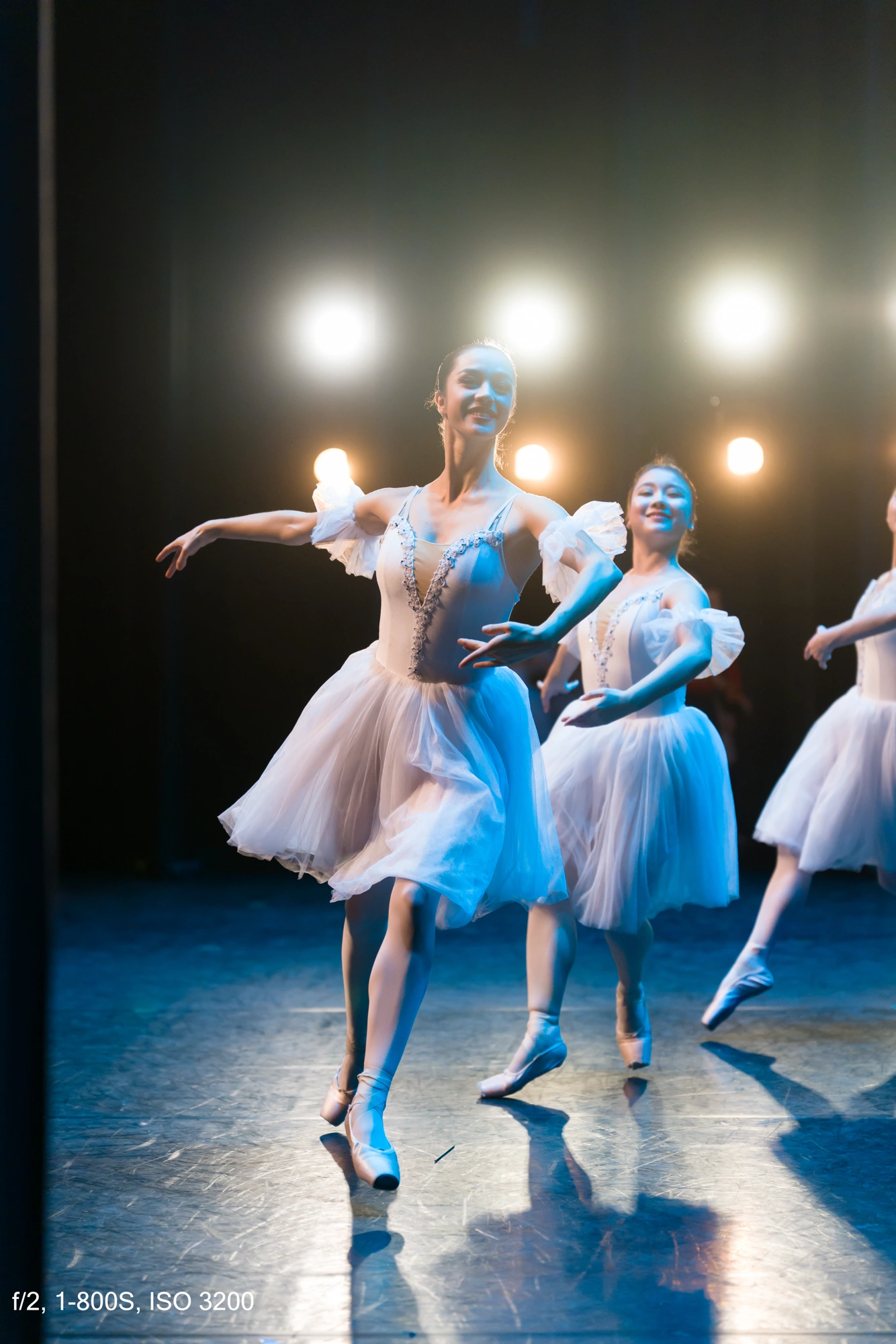
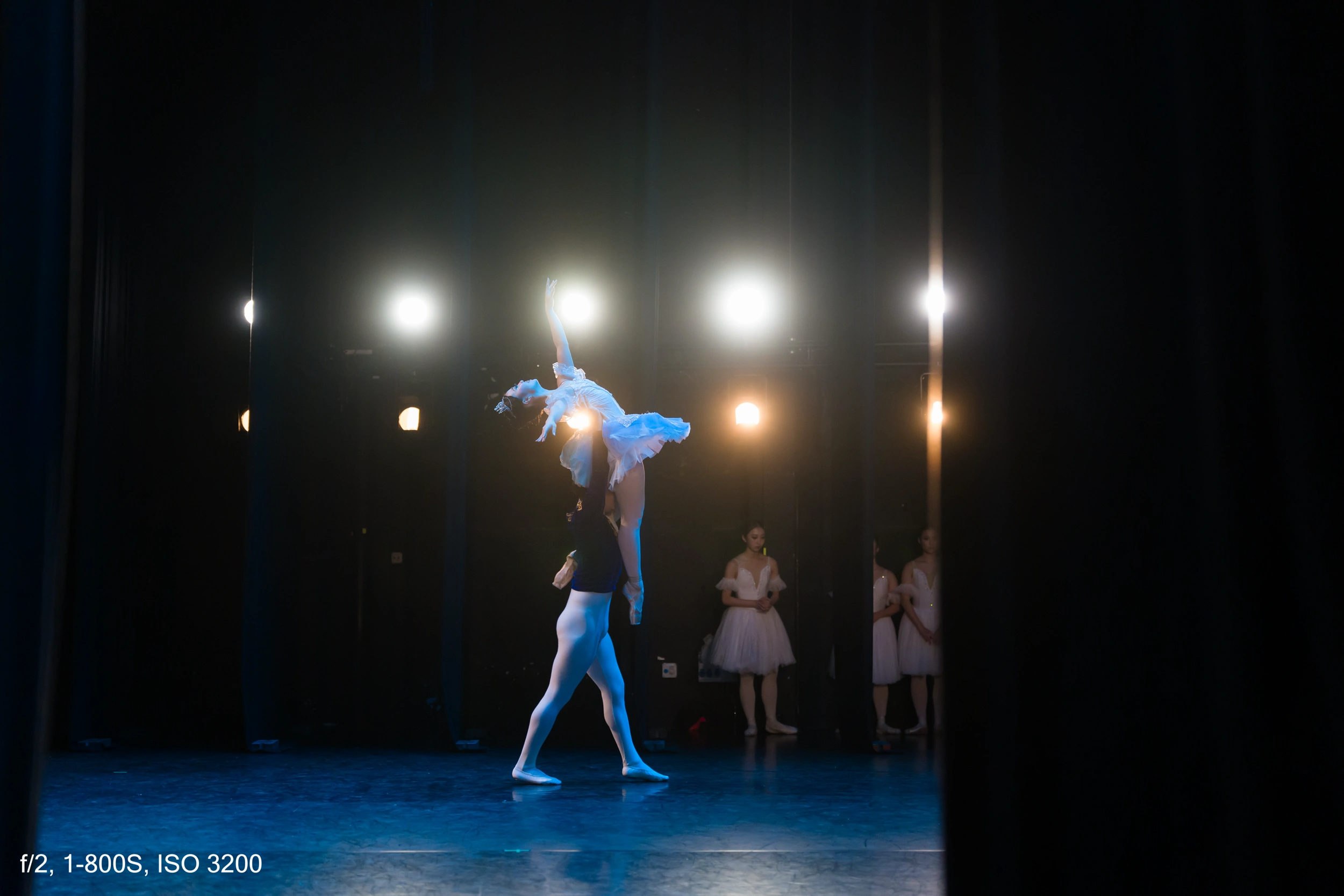
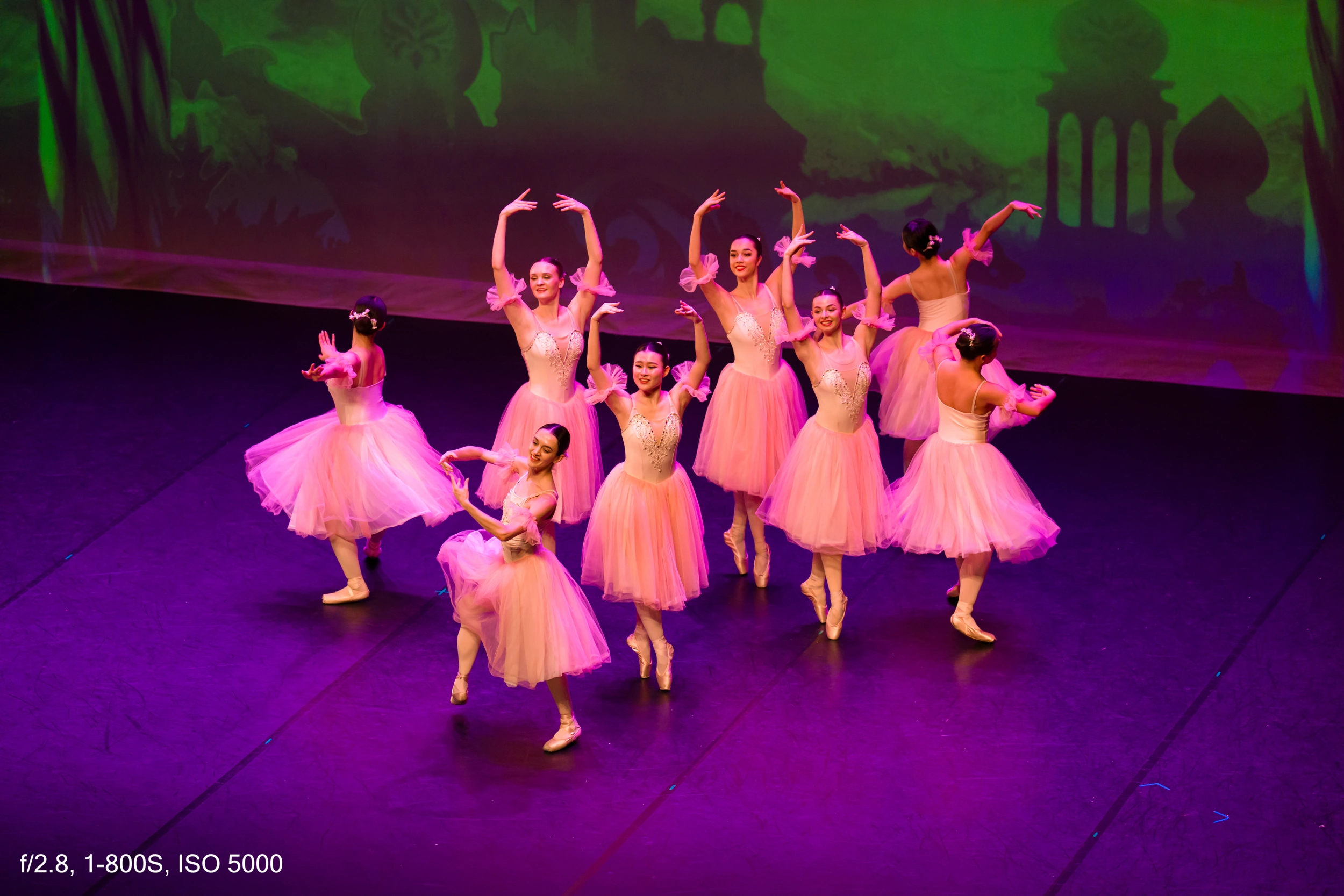
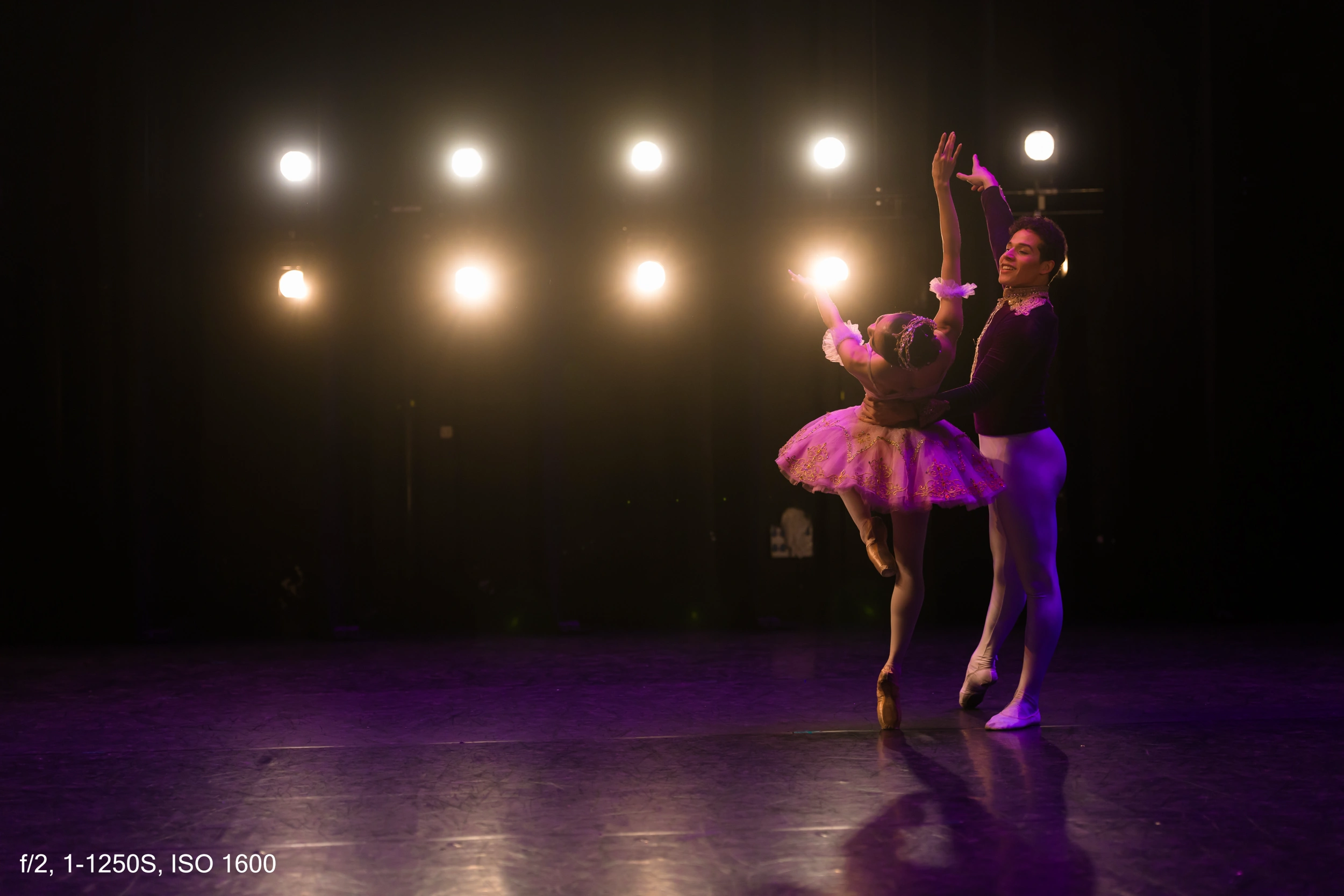
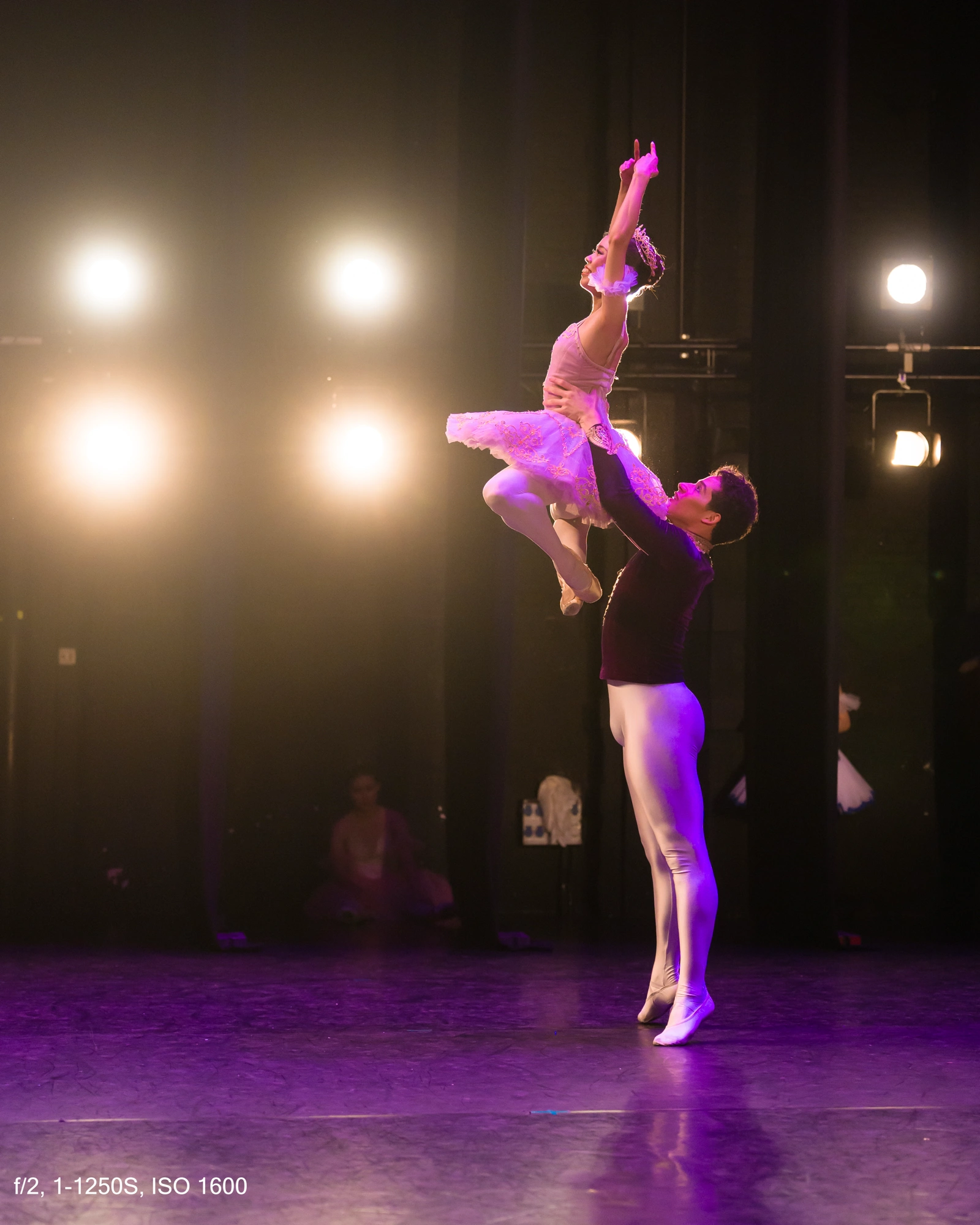
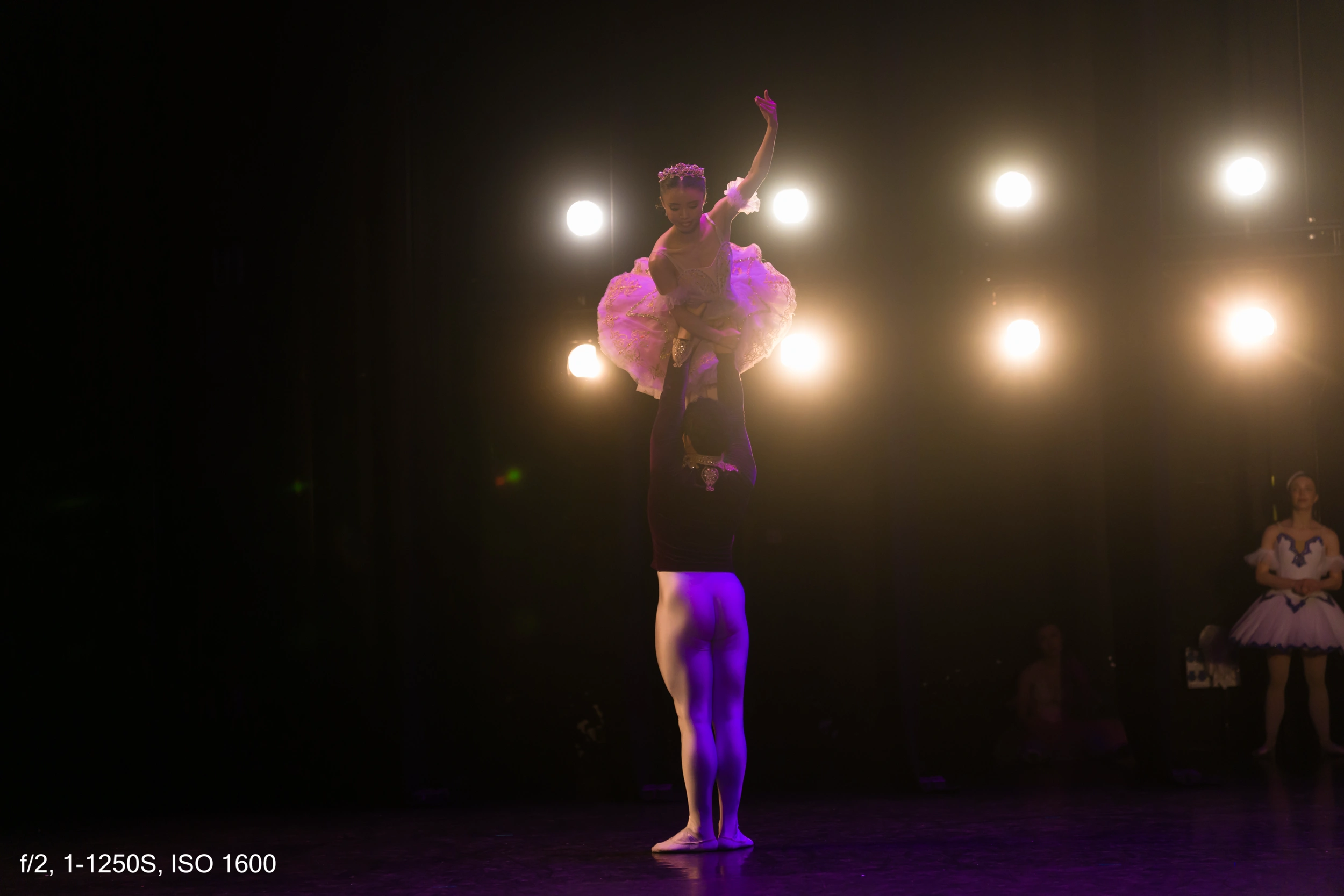
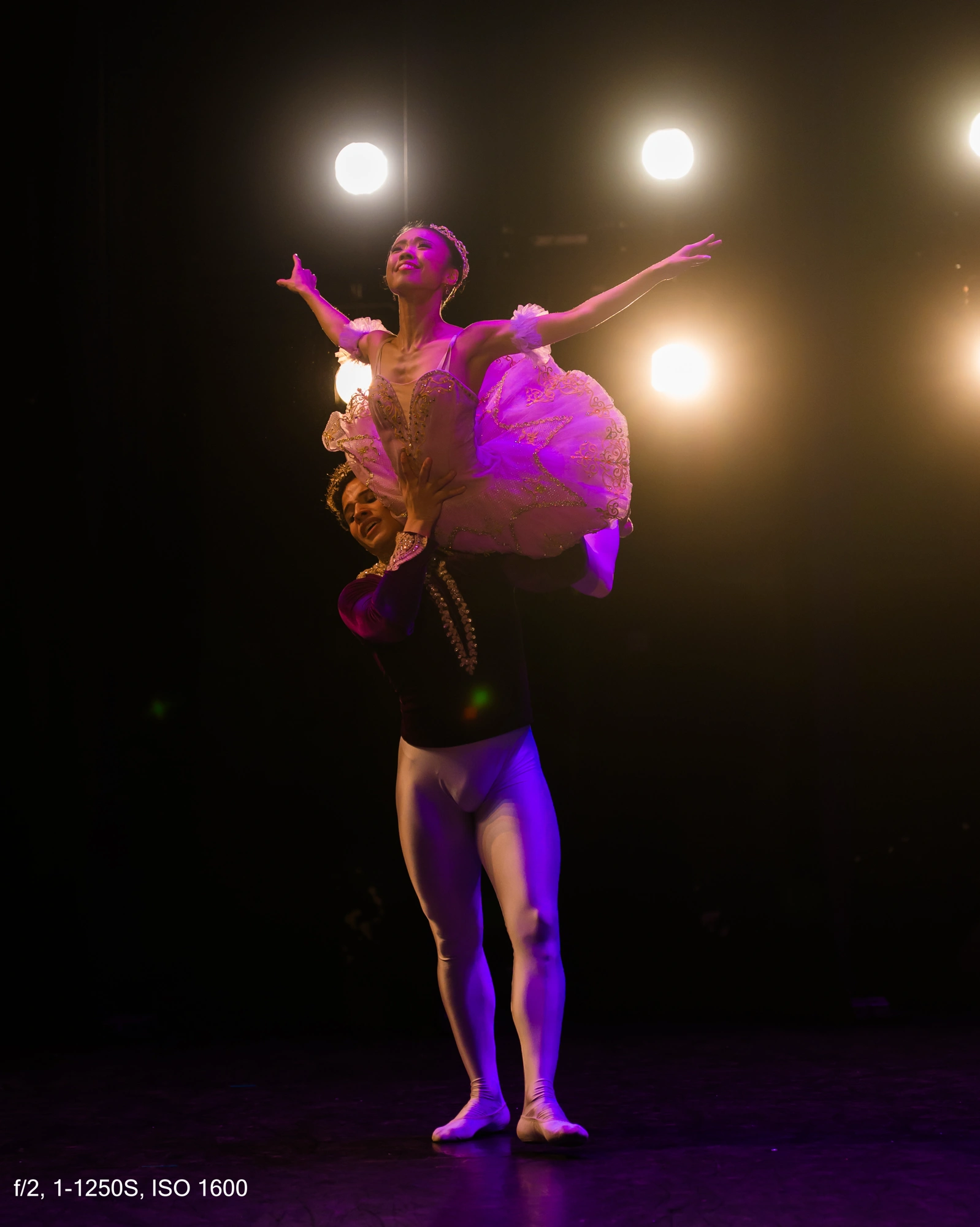
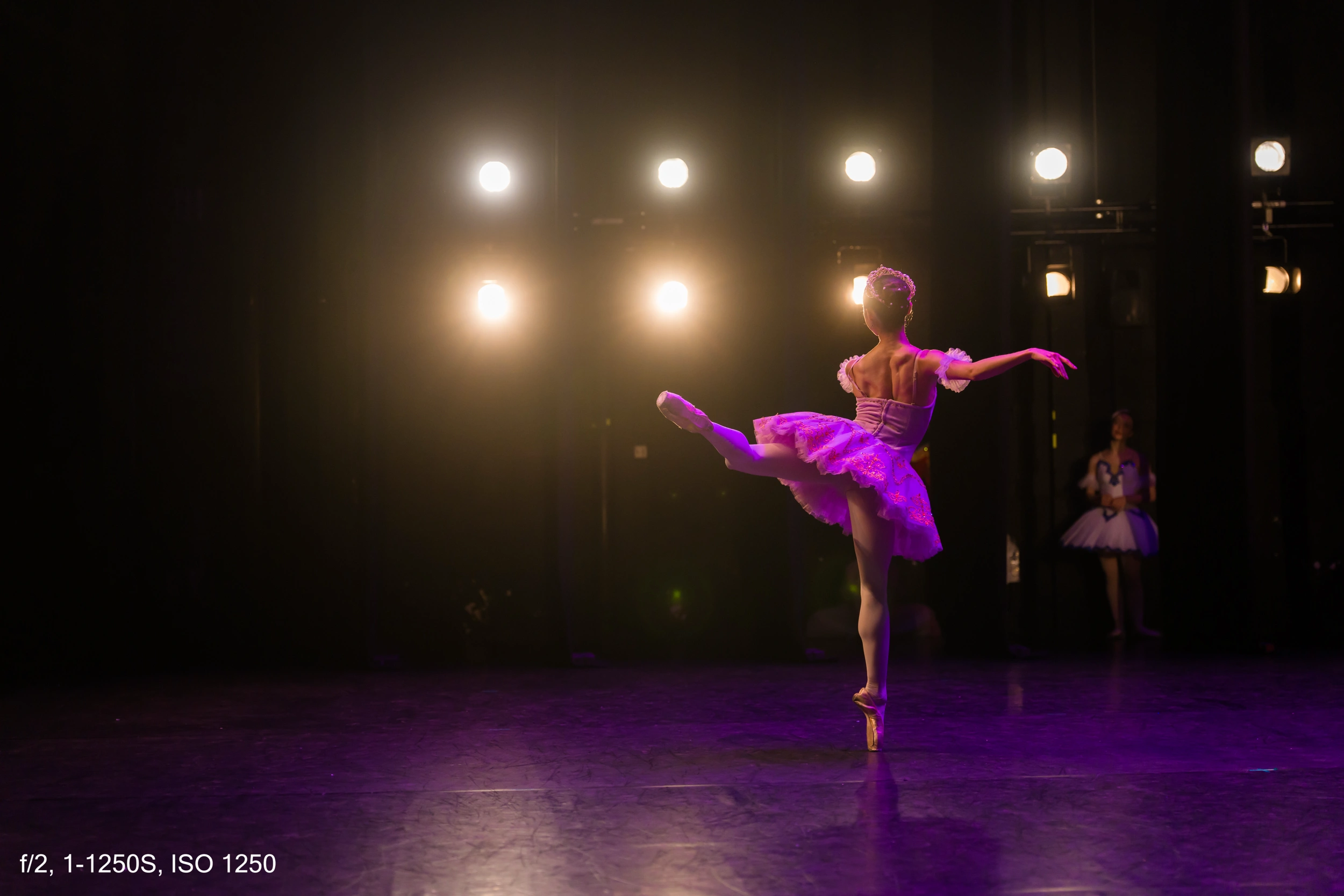
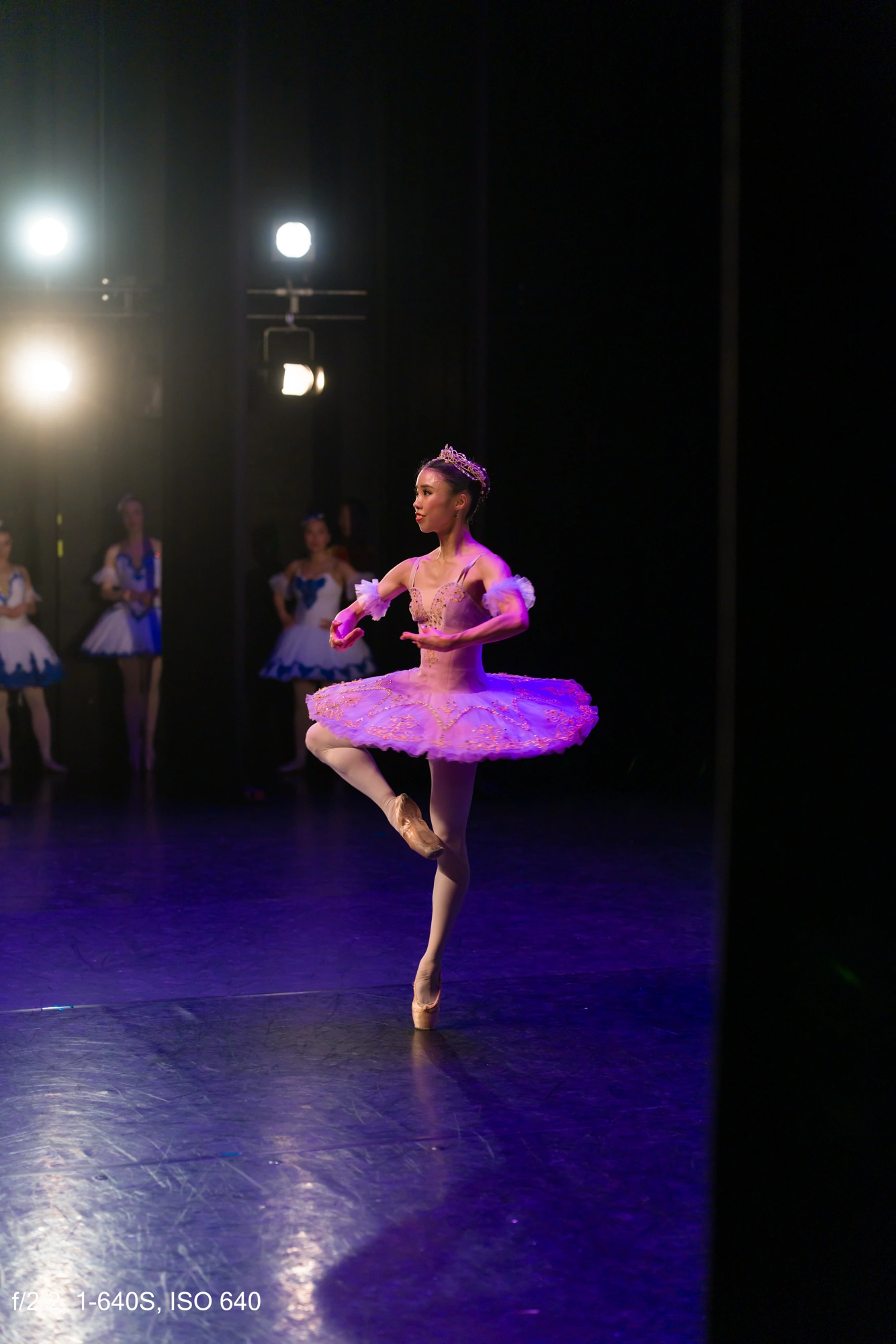
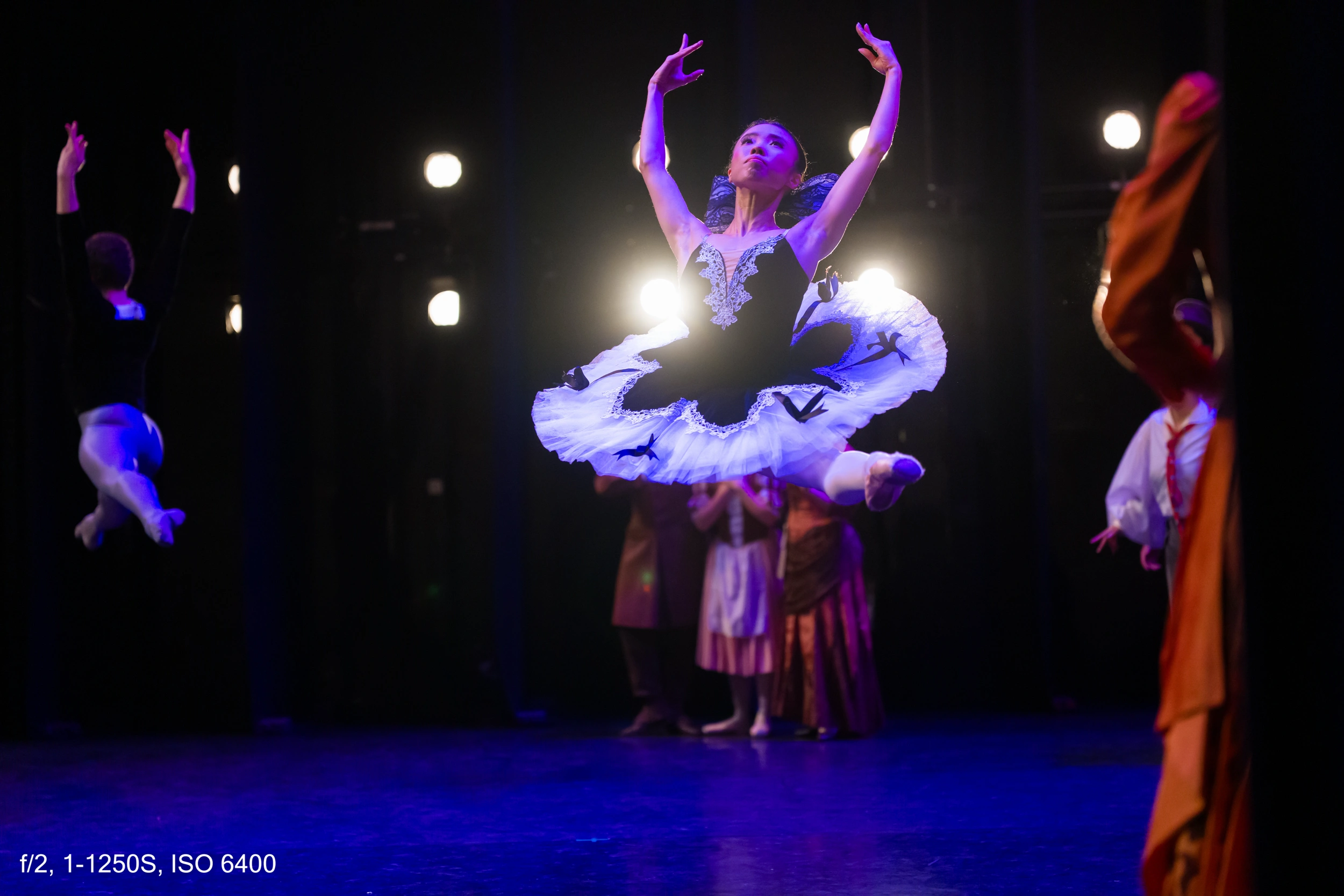
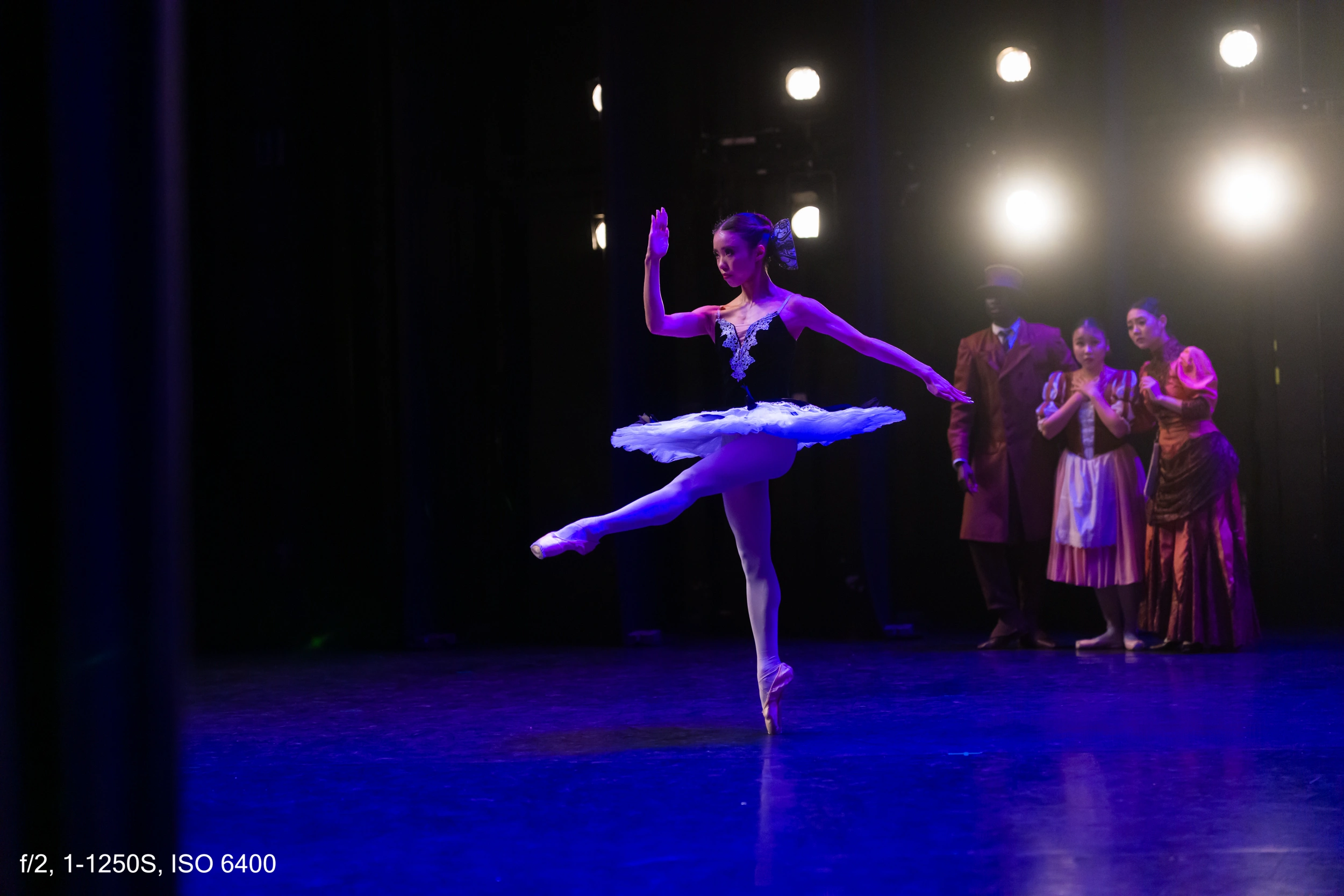
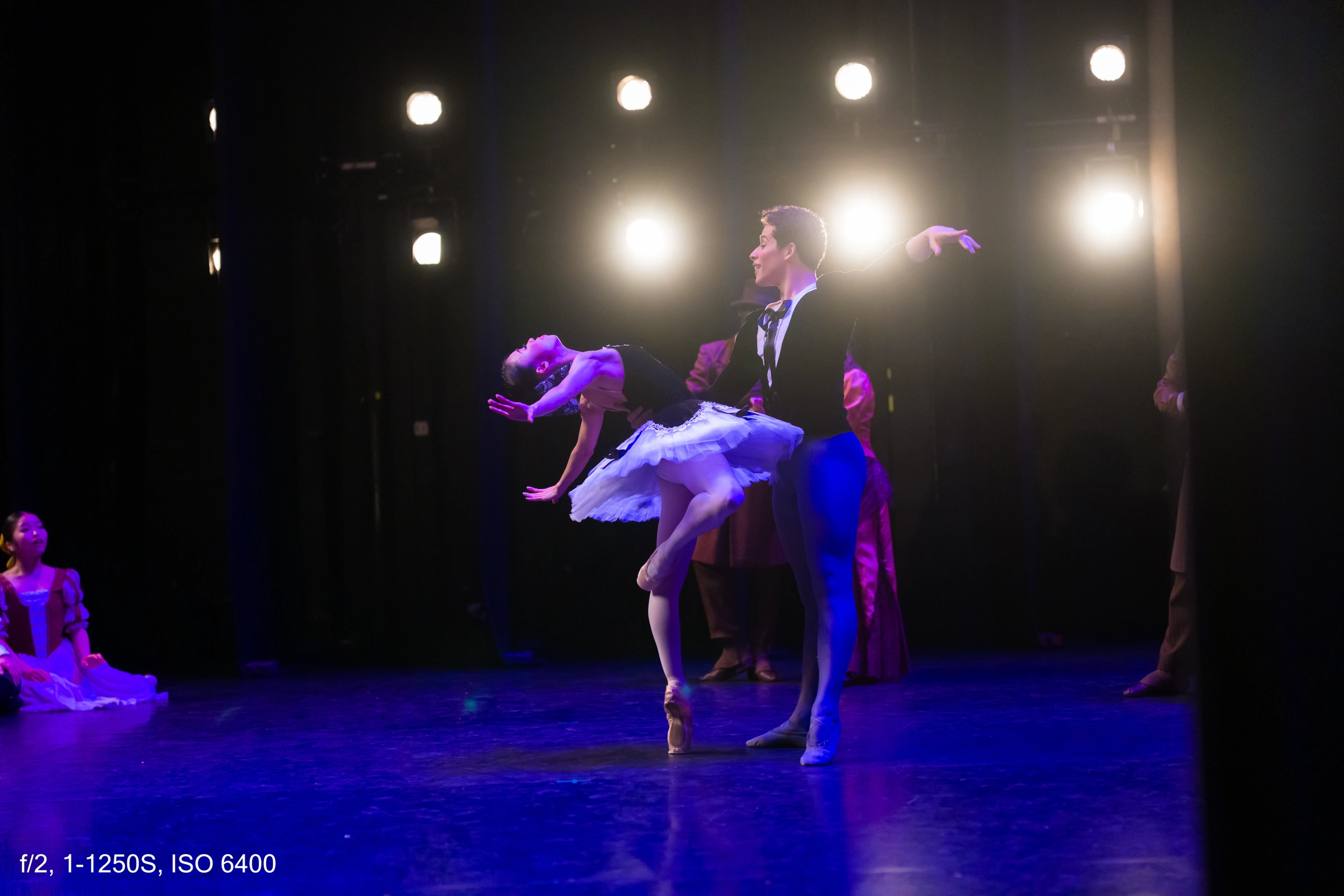
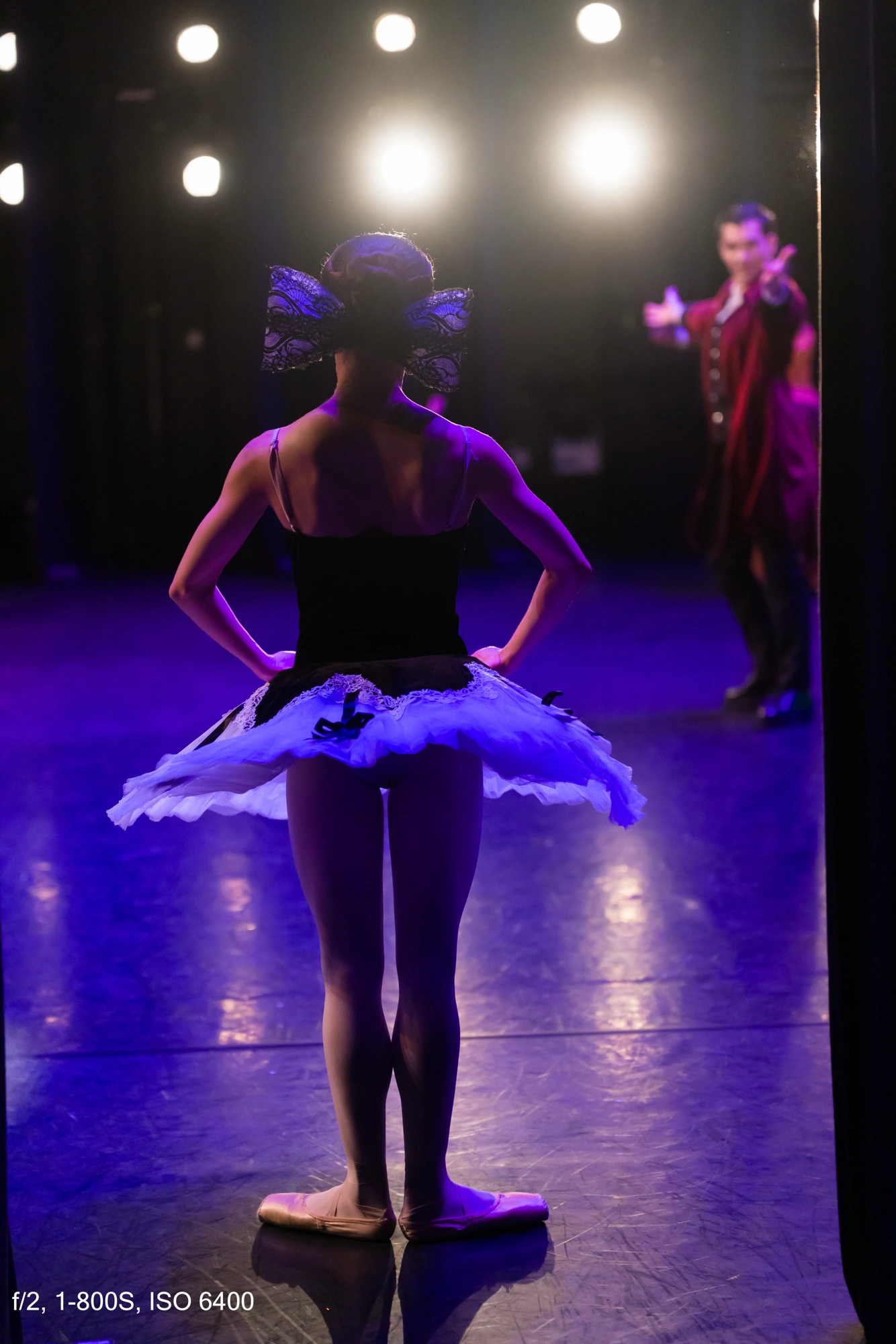
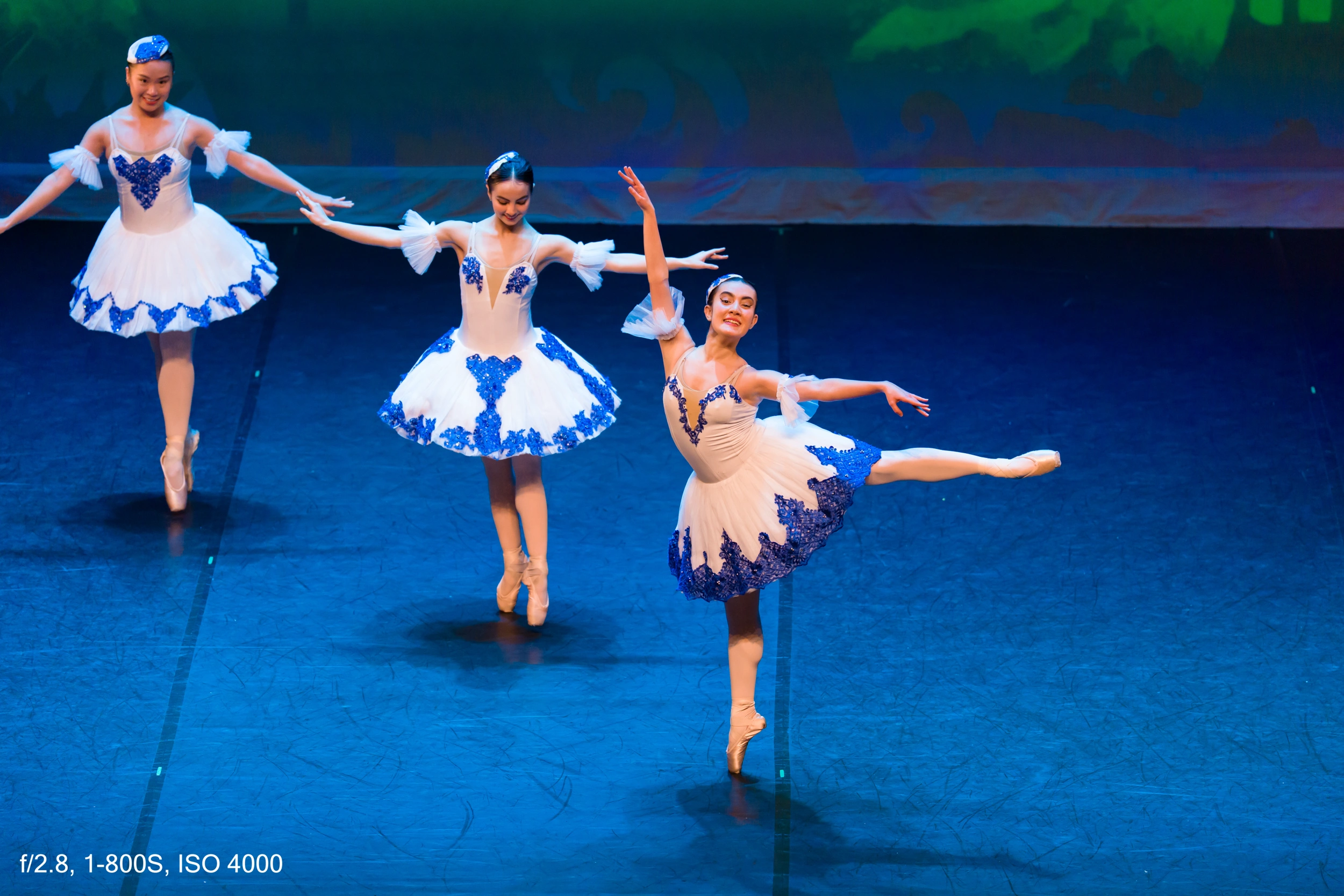
For my main goal—testing the camera in real conditions—it was more than enough. These images were shot with the 28–70 mm f2.
Front light, flares, and autofocus
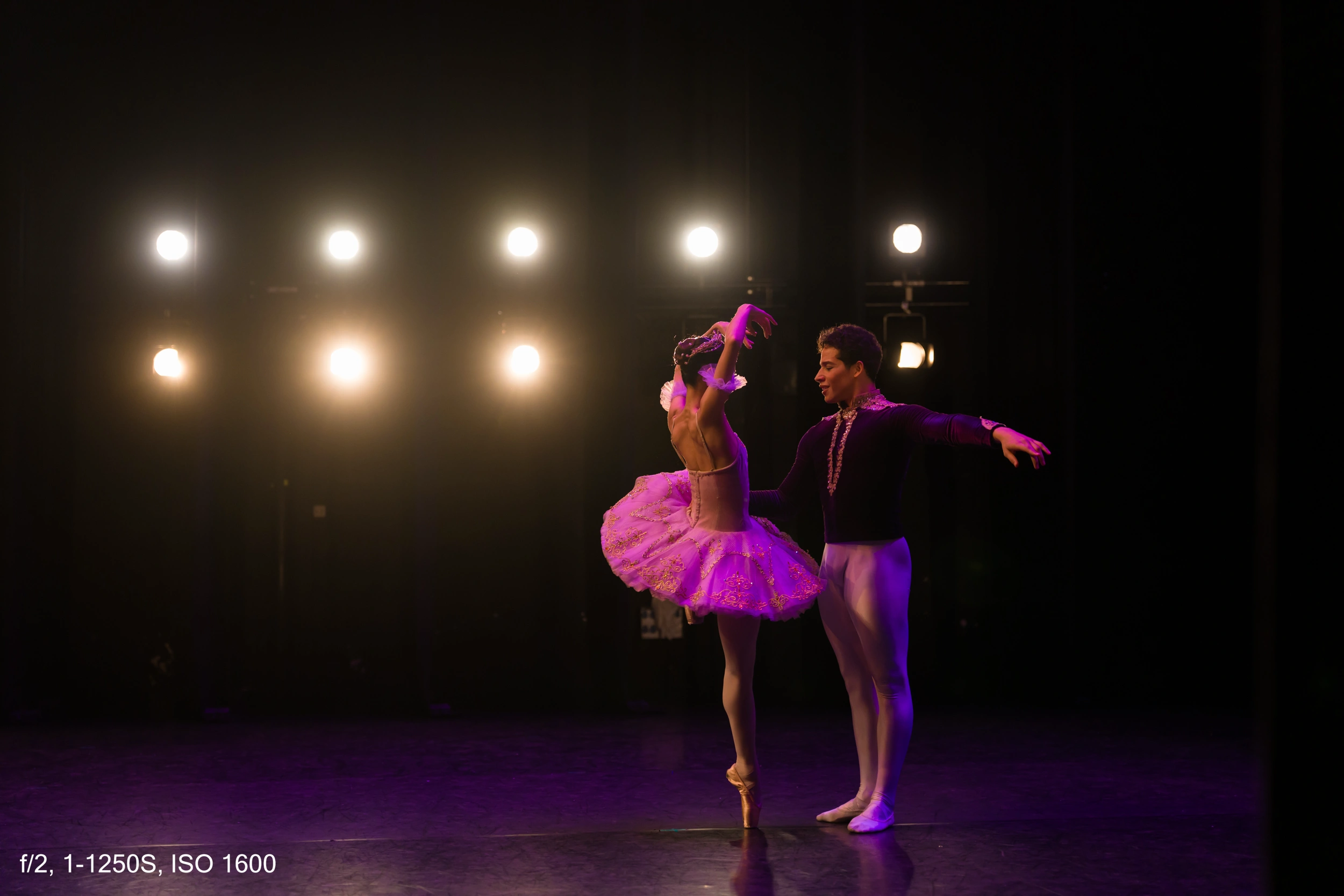
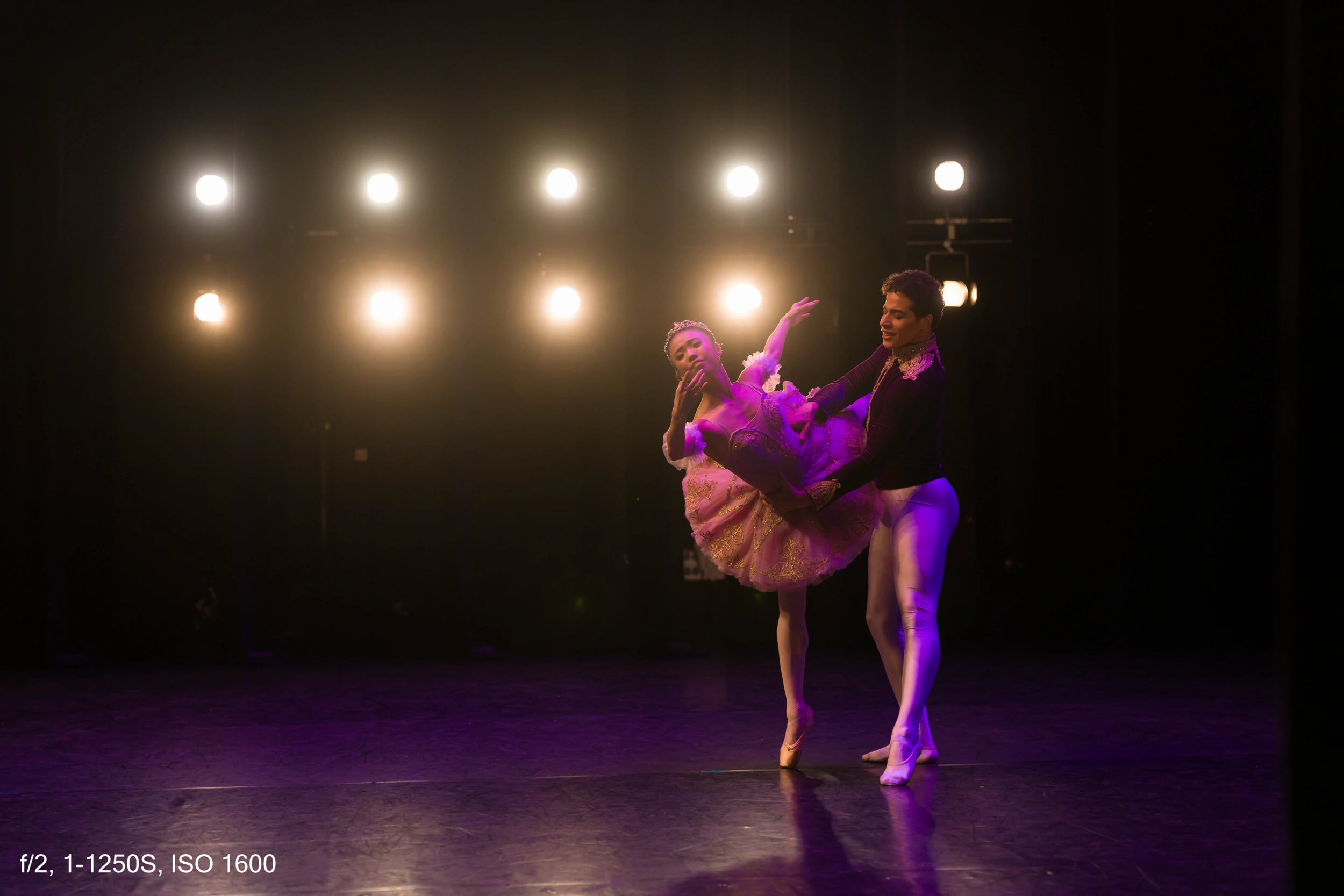
From that side position, all the lights from the opposite side were hitting my lens directly. And here’s an important point: for any camera, strong frontal light has always been a problem.
Autofocus becomes more difficult, flares and halos appear, and the image can look washed out and low contrast. This is especially noticeable on smartphones, even high-end ones—halos, flares, and noise are everywhere.
And now the interesting part: I shot around 3,200 photos, and an absolutely tiny percentage were out of focus. If there were 20 missed shots, that’s a lot. Let me repeat that: 20 out-of-focus photos out of 3,200, in an extremely challenging situation.
This matters because we take great autofocus for granted. When a new camera comes out, we focus on what it lacks instead of appreciating what it does well. The Sony A7 V’s autofocus is not normal—it’s on another level. It’s hard to put into words.
Even in video: I recorded just one short clip. Anna moves back and forth, toward and away from the camera, with six or eight powerful lights hitting the lens directly. There are two or three frames where focus slips, but it recovers immediately. Unless you analyze the video frame by frame, you won’t even notice. You can see this clearly in the YouTube video where I show it.
ISO performance: what really matters
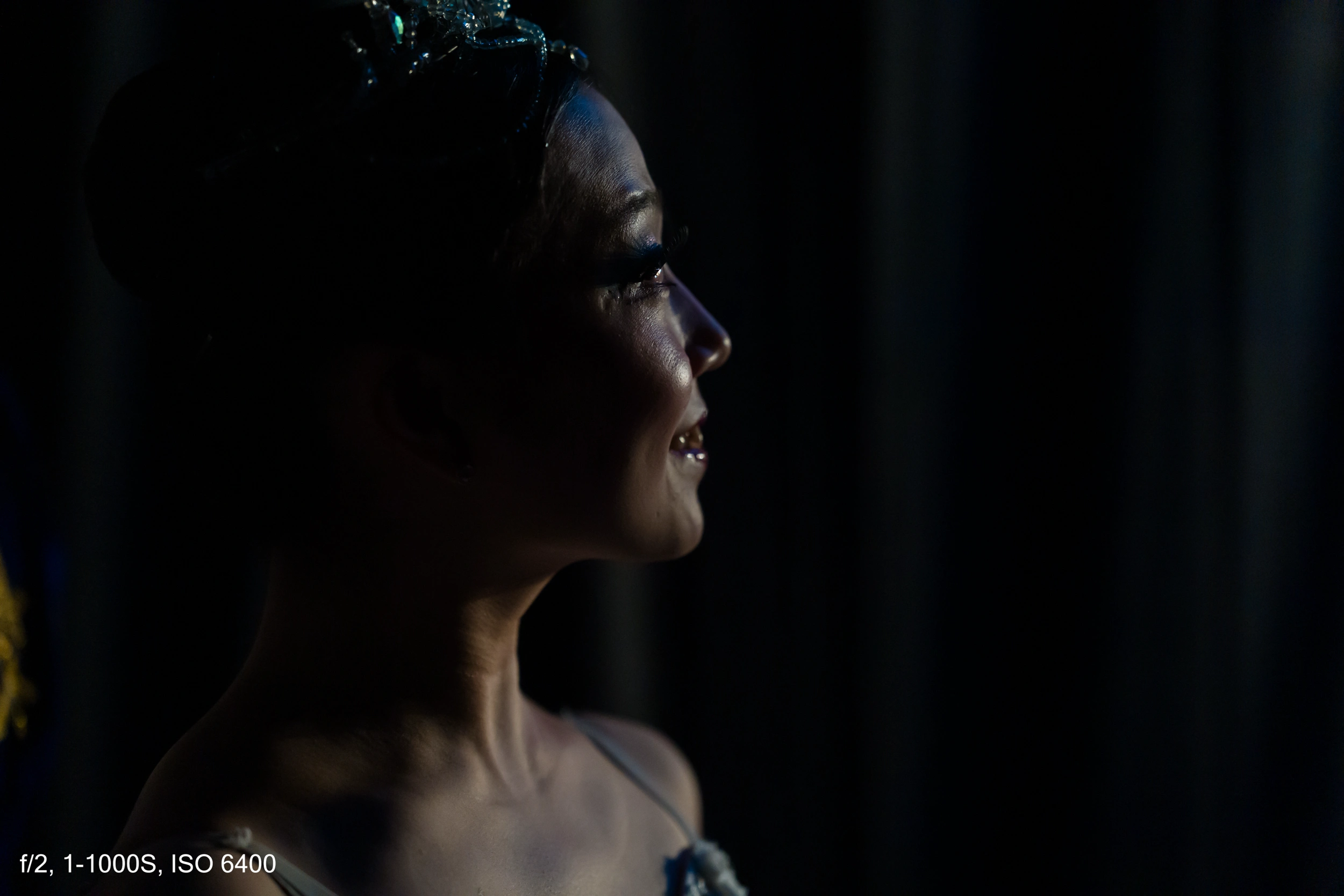
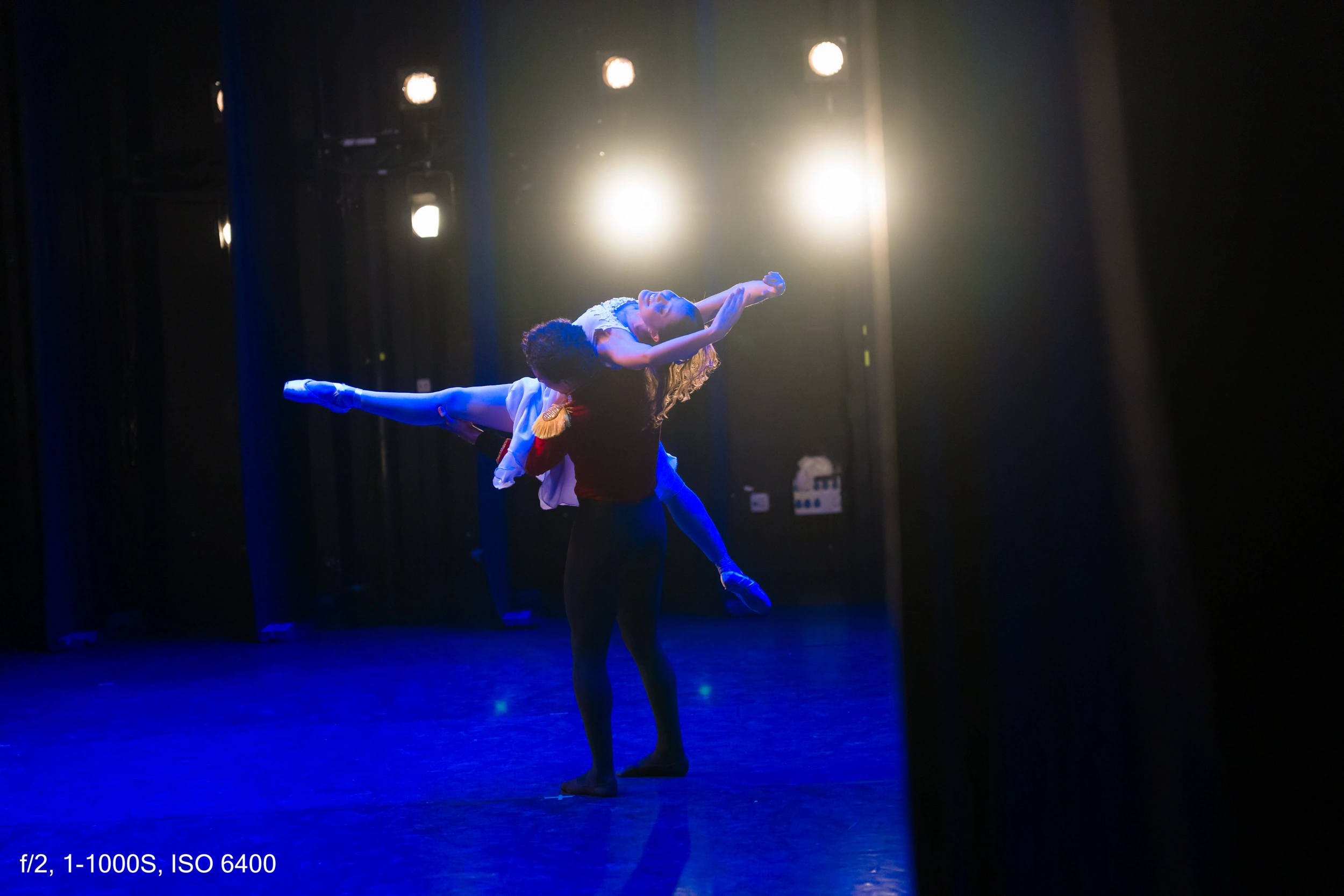
I shot most of the time between ISO 3200 and 6400, and it’s perfectly usable. There are even photos at ISO 12800 and some above 25600 that are still valid.
Is there noise? Yes.
Is the photo unusable? No.
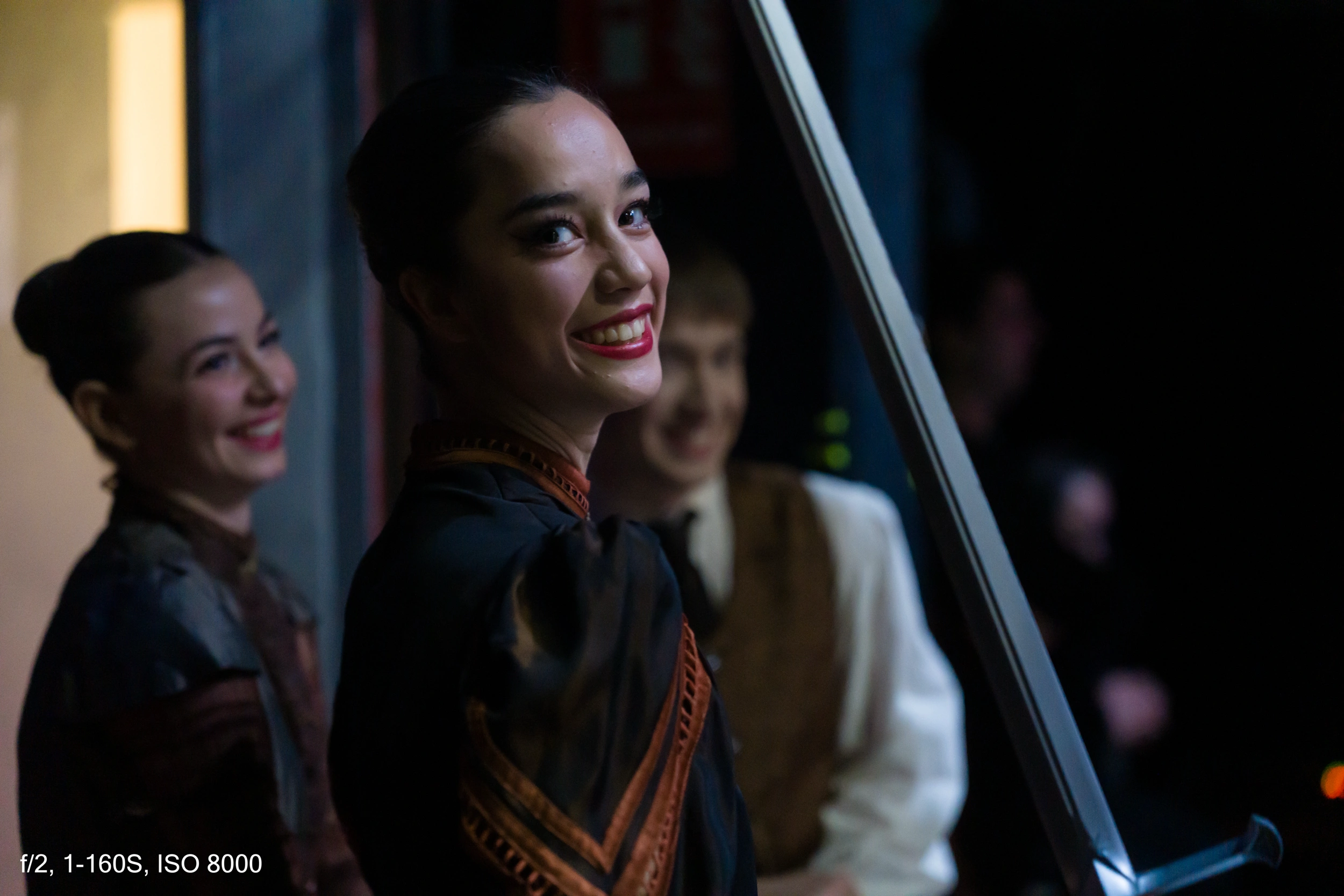
What matters is the moment. For example, one photo was shot at ISO 12800, f2, and 1/160. Imagine how little light there was to need those settings. At normal viewing sizes, you don’t see any serious noise issues.
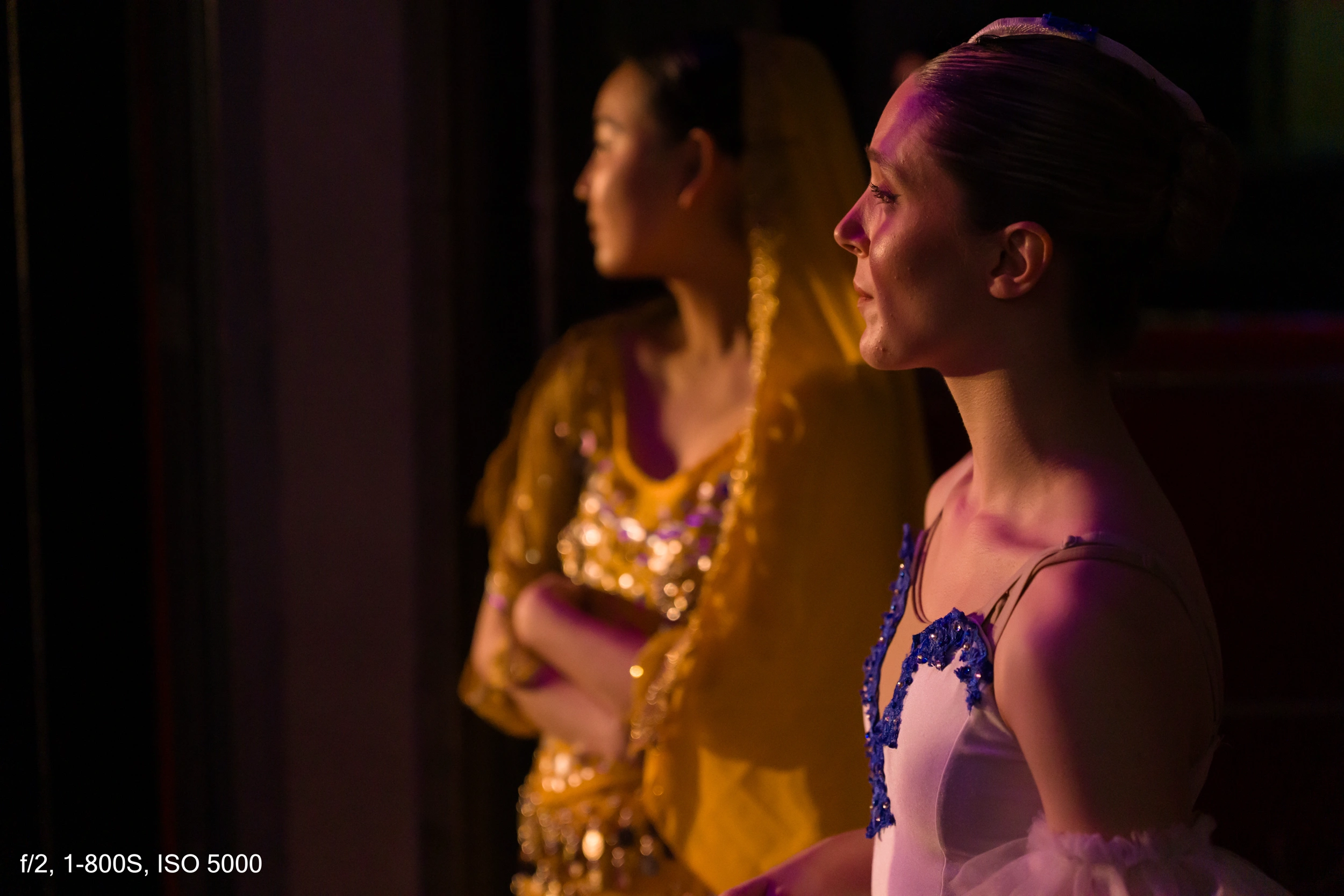
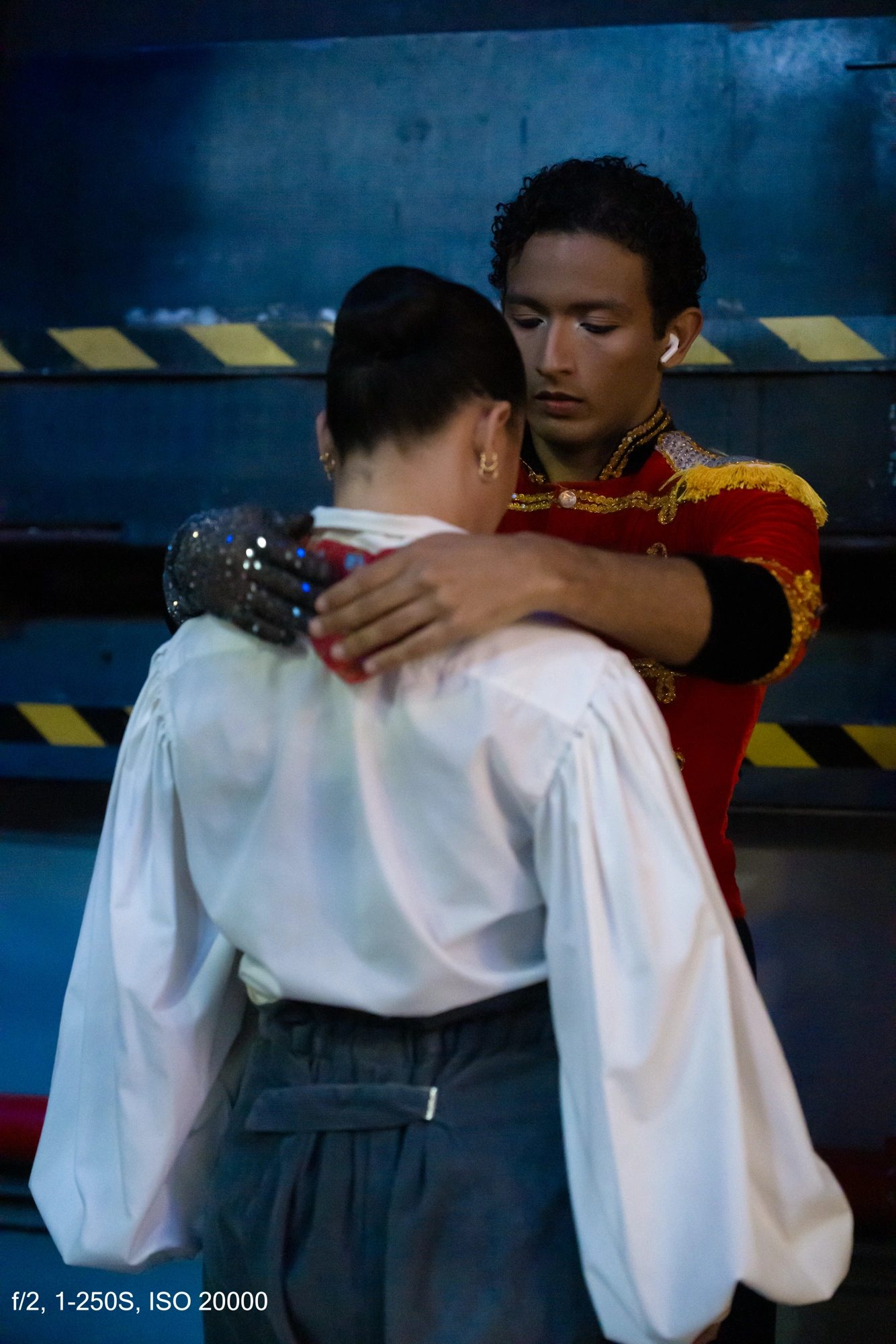
Or another image, taken in a nearly pitch-dark area of the theater, where one dancer is being comforted by a colleague after a small mistake on stage. ISO 25600, f2, 1/160. There’s noise, of course. But the photo is usable, and the moment outweighs everything else.
Electronic burst and optics
From the side of the stage, I was able to use the electronic burst at 30 fps. I shot many bursts, and the autofocus nailed absolutely everything.
And now we have to talk about the lens: the 28–70 mm f2.
Yes, it costs €3,600, but the flare control and contrast when shooting directly into the light are incredible. It’s worth every euro. And that f2 aperture gives you an extra stop of light that keeps ISO from going through the roof.
If I had to rate the Sony A7 V combined with the 28–70 f2 from 1 to 10, I’d give it an 11.
Some people may think I’m a Sony fanboy, but honestly, I don’t care. I enjoy technology when it works—and here, it worked in a spectacular way. If a photo didn’t turn out, it wasn’t the camera’s fault.
Beyond the technical side
Let me add one more thing. I love ballet. The Nutcracker is incredible, and Tchaikovsky’s music fascinates me. Watching from the audience is great, but being with the dancers—seeing the nerves before going on stage, the emotion, the tears after a mistake, the hugs between colleagues—experiencing it from just a meter and a half away gives you goosebumps.
What a show. What delicacy. What beauty.
I’m sincerely grateful to the Ballet of Barcelona for the opportunity to live and document this experience.
Workflow note
At the time of this shoot, Capture One still couldn’t read the Sony A7 V RAW files. For now, only uncompressed RAW files can be processed in Lightroom. Keep this in mind.
For those of us who use Capture One daily, it’s a bit of a pain—although I know most photographers work in Lightroom.
All images were developed in Lightroom, using a manual noise reduction of 50 in the Luminance slider(no IA noise reduction applied).
Deja tu comentario